
Best Free Vocal Presets 2026 — Download for Any DAW

If you've ever spent hours tweaking EQ, compression, and reverb settings only to end up with a vocal that sounds worse than when you started, you're not alone. Vocal mixing is one of the hardest things to get right in music production, and it's exactly why producers and artists search for vocal presets in the first place.
The good news? You don't need to spend a fortune to get professional-sounding vocals. Free vocal presets have come a long way, and in 2026 there are genuinely useful options for every major DAW. In this guide, we'll break down the best free vocal presets you can download right now, how to use them effectively, and when it makes sense to invest in a paid option.
Are Free Vocal Presets Actually Worth Using?
Short answer: yes, but with realistic expectations.
Free vocal presets give you a solid starting point instead of staring at a blank mixer wondering where to begin. They won't win you a Grammy mix on their own, but they'll get you surprisingly close to a professional sound if you know how to work with them. Here's what they're genuinely good for:
- Learning signal flow. Studying how a preset chain is built teaches you more about vocal mixing than most tutorials.
- Saving time on rough mixes. A free preset gets your vocals sitting in the mix fast so you can focus on the creative side.
- Testing your recording setup. If a preset sounds terrible, the problem might be your mic placement, room treatment, or gain staging.
- Building your workflow. Free options let you figure out what kind of vocal sound you're going for before committing money.
The main limitation is variety. You'll typically get one or two chains, whereas a full vocal preset collection includes dozens of chains tailored to different genres and vocal types. But for getting started? Absolutely worth downloading.
Best Free Vocal Presets for FL Studio
FL Studio ships with solid stock plugins — Parametric EQ 2, Fruity Limiter, Fruity Reeverb 2, Soundgoodizer — that can get your vocals sounding clean when configured correctly. Here are the best ways to get free vocal presets for FL Studio in 2026:
Rys Up Audio Free Vocal Preset: We offer a free vocal preset that works with FL Studio using 100% stock plugins — no third-party purchases required. It includes a full signal chain with EQ, compression, de-essing, and spatial effects. It's a great way to hear what a properly structured chain sounds like before exploring our full FL Studio vocal preset collection.
FL Studio's Built-In Presets: Don't overlook what's already in your DAW. Individual plugins like Parametric EQ 2 have factory presets for vocals — browse the preset menu and you might find something usable.
Community Presets: Producers share free chains on forums, Reddit, and YouTube constantly. Quality varies, but they're worth exploring. Just be cautious of any "free" preset that requires third-party plugins — those hidden costs add up. That's why all Rys Up Audio presets use stock plugins only.
Best Free Vocal Presets for Logic Pro
Logic Pro users have a huge advantage with stock plugins. Apple has packed Logic with professional-grade effects — Channel EQ, Compressor, Space Designer, DeEsser 2, ChromaVerb — that rival third-party plugins costing hundreds of dollars.
Logic's Channel Strip Presets: Logic ships with vocal channel strip presets built in. Click the setting menu on your channel strip and browse under Voice. These are designed by Apple's audio team and serve as a solid starting point, though they're fairly generic.
Rys Up Audio Free Vocal Preset: Our free vocal preset is fully compatible with Logic Pro using only stock plugins. It's built with proper gain staging, surgical EQ, and tasteful spatial effects. If you like what you hear, check out our dedicated Logic Pro vocal presets collection.
Pro tip: don't sleep on Space Designer — it's one of the best convolution reverbs in any DAW, and it comes free with Logic. For help loading presets, see our preset installation guide.
Best Free Vocal Presets for Ableton Live
Ableton's Audio Effect Rack system makes presets work a bit differently than channel-strip-based DAWs, but the upside is incredible flexibility — parallel processing, macro controls, and multi-band setups all within a single rack.
Ableton's Factory Presets: Look under Audio Effect Rack in the browser and browse the Vocal category. You'll find racks for warmth, brightness, and basic mixing. They're fine for demos but tend to be conservative.
Rys Up Audio Free Vocal Preset: Our free vocal preset works with Ableton Live using stock plugins — EQ Eight, Compressor, Glue Compressor, Reverb, and more. It's structured as an Audio Effect Rack so it drops right into your workflow. For more options, explore our Ableton vocal presets collection.
Best Free Vocal Presets for Other DAWs
FL Studio, Logic, and Ableton get the most attention, but they're far from the only options. Our free vocal preset supports all of these DAWs, and we have dedicated collections for each:
- Pro Tools — The industry standard for professional studios. Stock plugins like EQ III and Dyn3 are capable tools when configured properly. Browse our Pro Tools vocal presets.
- GarageBand — Where many artists get their start. It shares DNA with Logic Pro but has a more limited plugin set. Check out our GarageBand vocal presets.
- BandLab — A completely free, browser-based DAW that's gaining serious traction with beginners and mobile producers. See our guide to the best vocal presets for BandLab.
- Studio One — Growing massively in popularity thanks to its intuitive workflow and strong stock plugins. See our Studio One vocal presets.
- Cubase — Steinberg's long-running DAW with excellent stock dynamics processors. Explore our Cubase vocal presets.
- Reaper — The budget-friendly powerhouse with its shockingly good ReaPlugs suite. Browse our Reaper vocal presets.
No matter which DAW you use, the key principle is the same: start with a preset built from stock plugins so you don't run into compatibility headaches. That's the philosophy behind everything we build at Rys Up Audio.
Free Vocal Presets vs Paid Vocal Presets: What's the Difference?
You grabbed a free preset, it sounds pretty good, and now you're wondering — is it worth paying for presets? Here's an honest breakdown.
| Feature | Free Vocal Presets | Paid Vocal Presets |
|---|---|---|
| Number of Chains | 1-3 chains | 10-50+ chains per pack |
| Genre Coverage | General purpose | Genre-specific (hip-hop, R&B, pop, etc.) |
| Sound Quality | Good starting point | Studio-grade, professionally tuned |
| Vocal Type Variations | One-size-fits-all | Male, female, deep, bright, etc. |
| Effect Variety | Basic (EQ, compression, reverb) | Advanced (de-essing, saturation, parallel compression, delay throws) |
| Support | DIY / community forums | Step-by-step guides, video tutorials, customer support |
| Updates | Rarely updated | Updated for new DAW versions |
| Third-Party Plugins Required | Often yes (hidden costs) | Depends on provider (Rys Up = stock only) |
| Price | $0 | $29.99 - $99.99+ |
| Best For | Beginners, demos, learning | Releases, professionals, genre variety |
Free presets and paid presets serve different purposes. A free preset is perfect for learning, experimenting, and getting demos sounding respectable. A paid pack is what you reach for when you're releasing music, need genre-specific chains, or are tired of tweaking the same basic chain for every song.
One thing worth emphasizing: not all paid presets are created equal. Some sellers require you to buy expensive third-party plugins on top of the preset cost. Rys Up offers DAW editions that use the effects in that DAW, and some products also offer separate Waves or RysUpAudio editions. Check the exact software and plugin requirements on the product page before checkout.
How to Get the Most Out of Free Vocal Presets
Downloading a preset is step one. Getting it to sound good on your voice in your mix is where the real work begins. Here are practical tips:
- Record clean vocals first. No preset can fix a bad recording. Focus on your room treatment, mic technique (6-8 inches from the mic, slightly off-axis), and gain staging (peaks around -12dB to -6dB).
- Adjust the input gain. Most presets are calibrated for a specific input level. If your vocals are too hot or too quiet, the compressor won't behave as intended. This single adjustment can transform a preset from "meh" to "wow."
- Tweak the EQ to your voice. Every voice is different. After loading a preset, adjust the EQ — especially the mid-range between 1kHz and 5kHz. Small moves here make a massive difference.
- Adjust reverb and delay to your track. The reverb that sounds perfect on a slow ballad will turn an uptempo track into a muddy mess. Always match spatial effects to your song's tempo and energy.
- Use the preset as a starting point, not a destination. The best engineers use presets — they just don't stop there. Even small tweaks to compression threshold or wet/dry mix can take a preset from generic to custom-tailored.
- Study the chain. Open each plugin and look at what it's doing. Understanding the "why" behind each setting teaches you to build your own chains from scratch. This is the most valuable thing a free preset can give you — education.
Need help loading presets? Our guide on how to install vocal presets covers every major DAW step by step.
When to Upgrade to Paid Vocal Presets
Free presets are a fantastic starting point, but there comes a time when most producers outgrow them. Here are signs you might be ready:
- You're releasing music. If tracks are going on Spotify, Apple Music, or YouTube, vocal quality matters more than ever. Listeners can feel the difference between a demo mix and a release-ready one.
- You need genre variety. A free preset gives you one sound. If you're producing hip-hop, R&B, and pop across different projects, you need chains tailored to each genre.
- You're spending too much time mixing. If you're tweaking your vocal chain for hours on every song, a comprehensive preset pack pays for itself immediately.
- You want consistency. Professional artists have a signature vocal sound. Paid preset packs help you develop and maintain that consistency across your catalog.
When you're ready to move beyond the free chain, browse the paid vocal preset library, pick your DAW, and check the exact edition requirements before buying. If you need several sounds, compare the preset bundles too.
FAQ: Free Vocal Presets
What are vocal presets and how do they work?
Vocal presets are pre-configured chains of audio effects — typically EQ, compression, de-essing, reverb, and delay — saved as a loadable file for your DAW. Instead of setting up each plugin from scratch, you load the preset and it applies a complete processing chain to your vocal track. They're mixing tools that shape tone, dynamics, and spatial character — not pitch correction. For a deeper dive, read our complete beginner guide to vocal presets.
Do free vocal presets require third-party plugins?
Many do, which defeats the purpose of "free." Third-party plugins can cost $30 to $200+ each. At Rys Up Audio, all of our presets — including our free vocal preset — use 100% stock plugins. You only need plugins that already come with your DAW.
Will a vocal preset make me sound professional?
A preset gets you significantly closer, but it's not magic. Your final vocal quality depends on recording quality (mic, room, technique), the preset chain, and how the vocal sits in your mix. A well-designed preset can genuinely transform an amateur-sounding vocal into something competitive — especially combined with clean recording practices.
Can I use the same vocal preset in different DAWs?
Not directly — each DAW uses its own preset format. A preset made for FL Studio won't load in Logic Pro. That's why Rys Up Audio builds separate versions for each major DAW. Our free vocal preset is available for FL Studio, Logic Pro, Ableton Live, Pro Tools, GarageBand, Studio One, Cubase, and Reaper.
How do I install vocal presets in my DAW?
It generally involves downloading the preset file, placing it in the correct folder on your computer, and loading it from your DAW's preset browser. Most installations take under five minutes. We have a detailed step-by-step installation guide covering every major DAW.
Are free vocal presets safe to download?
Preset files themselves are just data — they contain plugin settings, not executable code, so they can't carry viruses. The risk comes from sketchy download sites with misleading buttons and bundled installers. Stick to reputable sources like Rys Up Audio for clean, direct downloads.
How much do paid vocal presets cost?
Paid vocal presets typically range from $20 to $100+ depending on the number of chains included and the level of support. Rys Up prices and chain counts vary by product and edition. Check the current product page for the exact DAW format, included chain, installation steps, and price before choosing. Our preset bundles offer even better value, and you can always start with our free preset to try before you buy.
Final Thoughts
Free vocal presets in 2026 are better than they've ever been. Whether you're just starting out or you're a seasoned artist looking for a quick starting point, there's no reason not to grab one and start experimenting.
The most important thing to remember is that presets are tools, not shortcuts. The producers getting the best results are the ones who take time to understand how presets work, adjust them to fit their voice and mix, and use them as a foundation — not a final product.
Here's our recommended path:
- Download a free vocal preset. Our free preset works with any major DAW and uses only stock plugins.
- Learn how the chain works. Open each plugin, study the settings, understand the signal flow.
- Record clean vocals. Focus on your environment, mic technique, and gain staging.
- Tweak and customize. Adjust the preset to fit your voice and your song.
- Upgrade when you're ready. Explore our full vocal preset collection for genre-specific, professional-grade options.
Don't forget to check out our free tools while you're here — our BPM Finder and AI Stem Splitter are completely free and can seriously speed up your production workflow. And if you're looking for more free mixing tools, check out our guides to the best free vocal plugins and best free Soothe 2 alternatives for taming harsh frequencies in your mix. Considering other preset providers? Check out our comparisons of Baywood Audio alternatives, WavMonopoly alternatives, and Cedar Sound Studios alternatives to see how the top vocal preset brands compare.
Got questions about vocal presets, mixing, or music production? Drop a comment below or reach out directly. We've been helping producers and artists level up their sound since 2015, and we're always happy to help.
Pair Your Vocals With RysUp Plugins
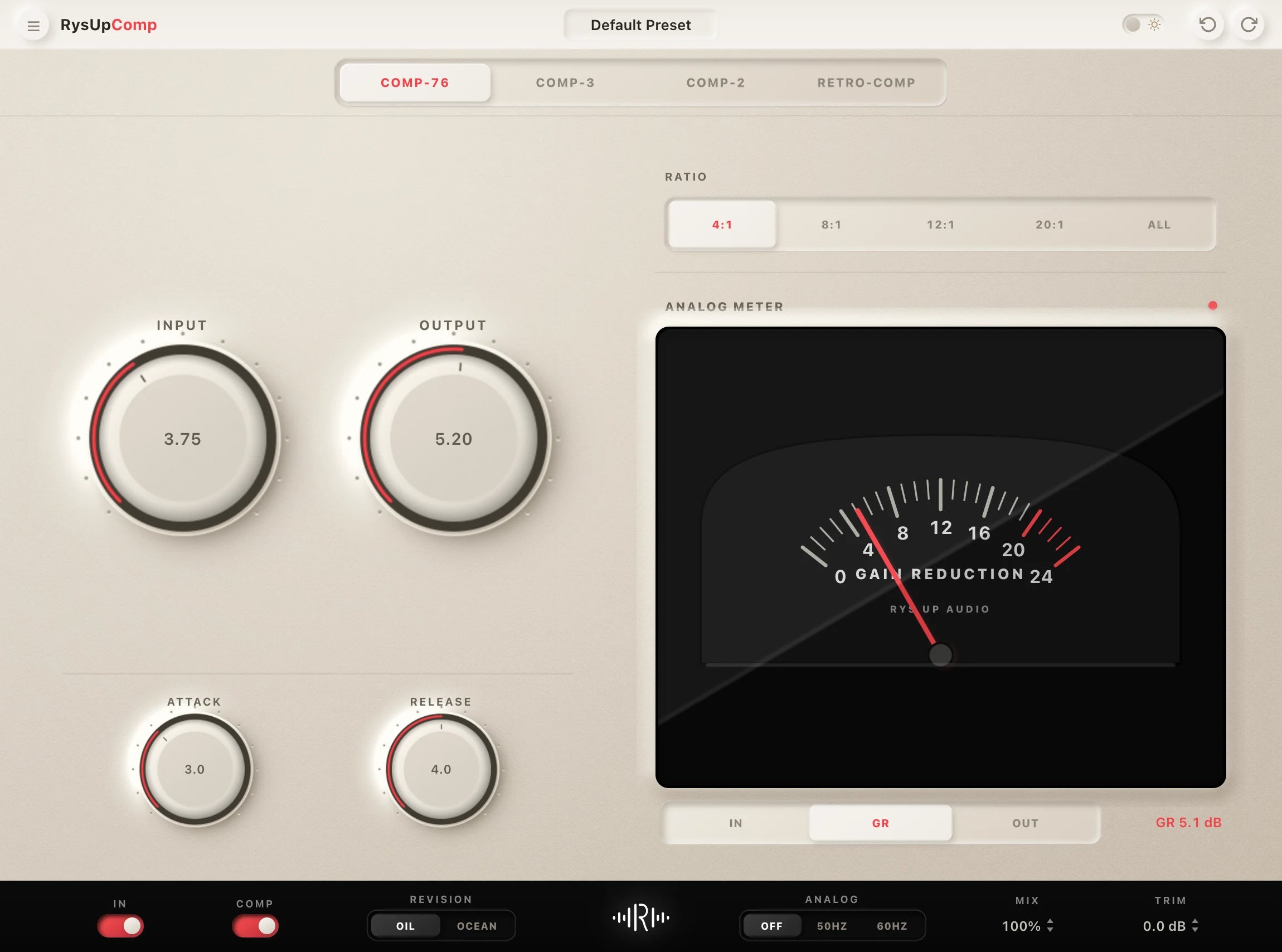
If you want to upgrade your vocal chain, every plugin in the RysUp collection is built specifically for vocal production — modern codebase, weekly updates, no iLok, and a fraction of the cost of legacy software.

Logic Pro options
Start free, then choose the full chain
Use the free preset to test your recording, then browse the complete Logic Pro collection when you need more tones and ready to mix vocal chains.
Choose the right starting point
Start free, then move to a chain built for your DAW
Use the free collection when you want to test the workflow at no cost. Compare the full library when you need more artist, genre, and DAW specific vocal chains that are ready to customize.
One guide or the complete free library
Use this guide to choose, then browse every free download
This article explains which free vocal chains fit different voices and DAWs. The free vocal preset collection is the complete download library for comparing every available starting point in one place.
Guide or complete free library
Choose with the guide, then browse every free vocal preset
Use this article to understand which free chains fit different voices and DAWs. Open the dedicated free vocal preset collection for the complete current download library and every available starting point in one place.