
Download
Install RysUpHub for Mac or Windows.
RysUpHub
Download the app, sign in, and manage your plugins without hunting through emails, links, or license keys.
What you get
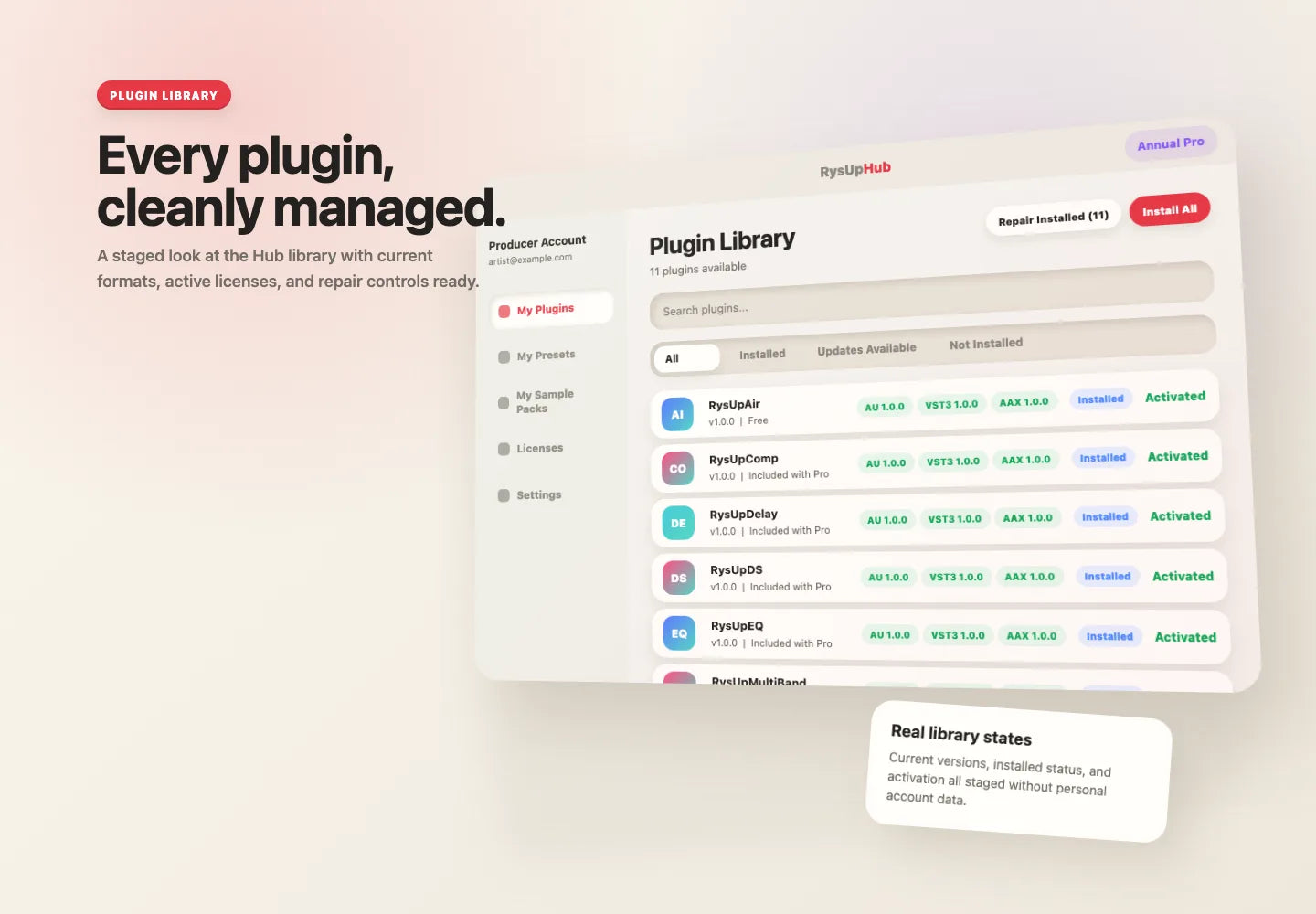
Install, repair, and update your Rys Up Audio plugins from a clean library.
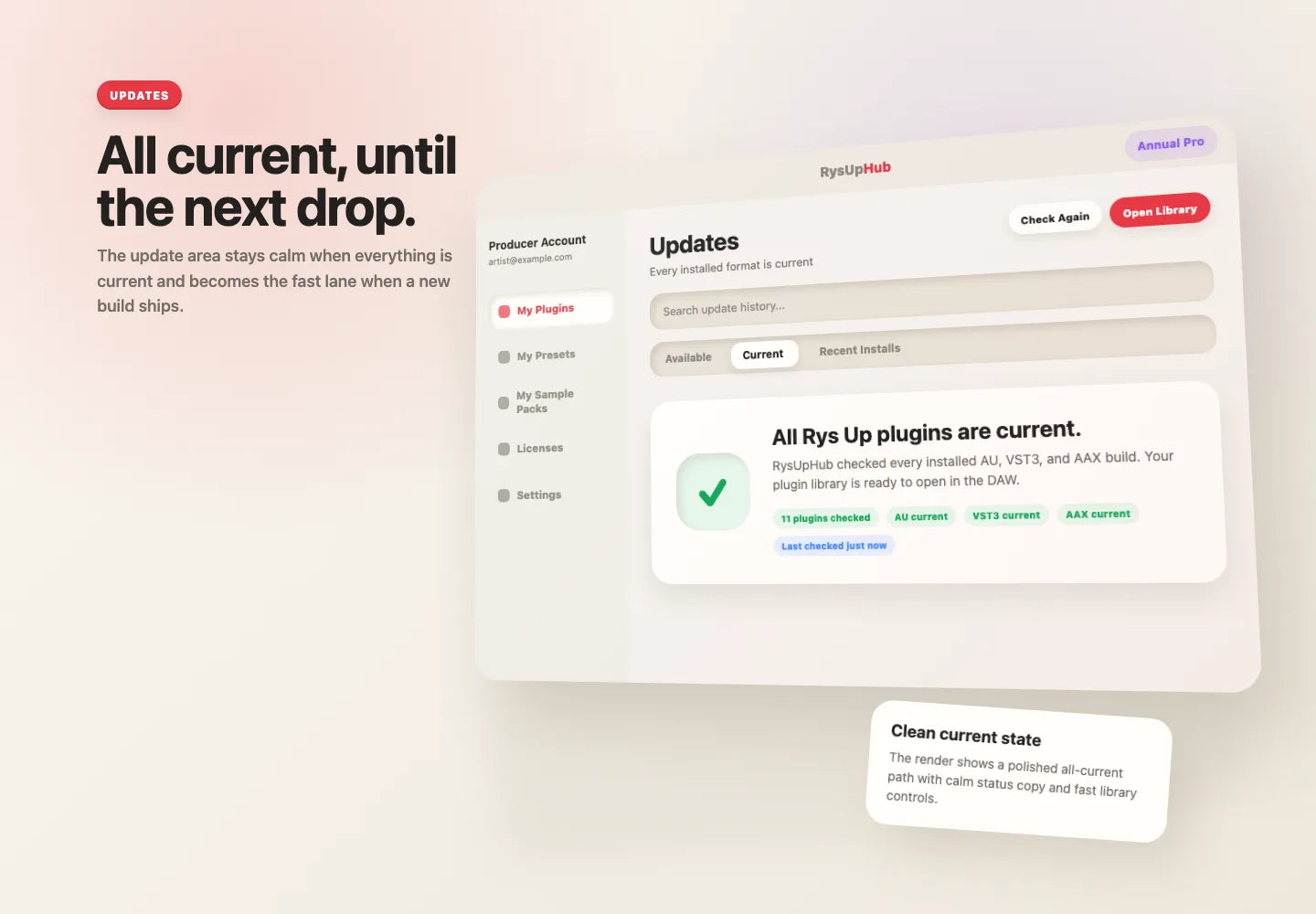
See when everything is ready, and update fast when a new build drops.
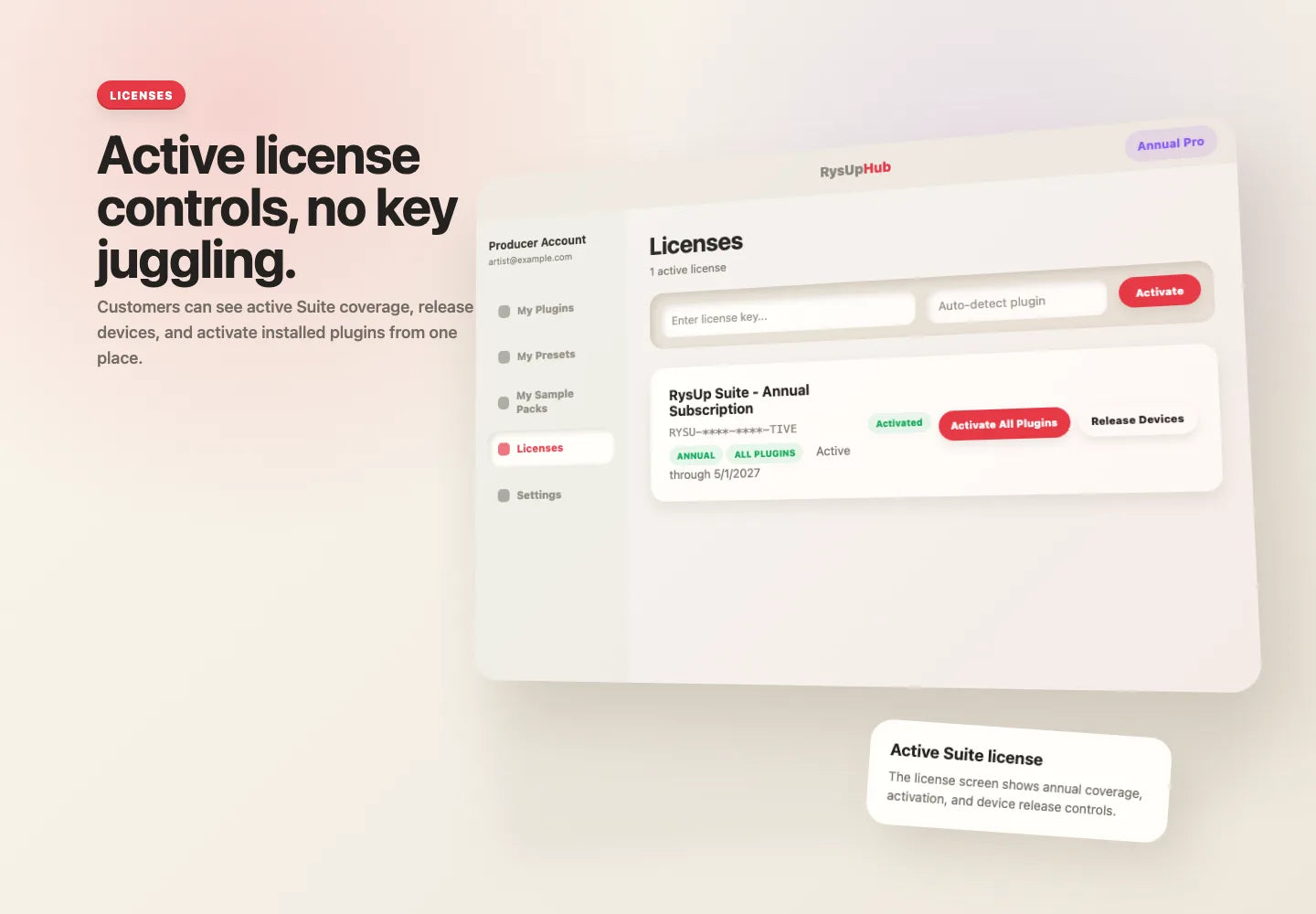
Sign in, activate, and release devices without digging for keys.
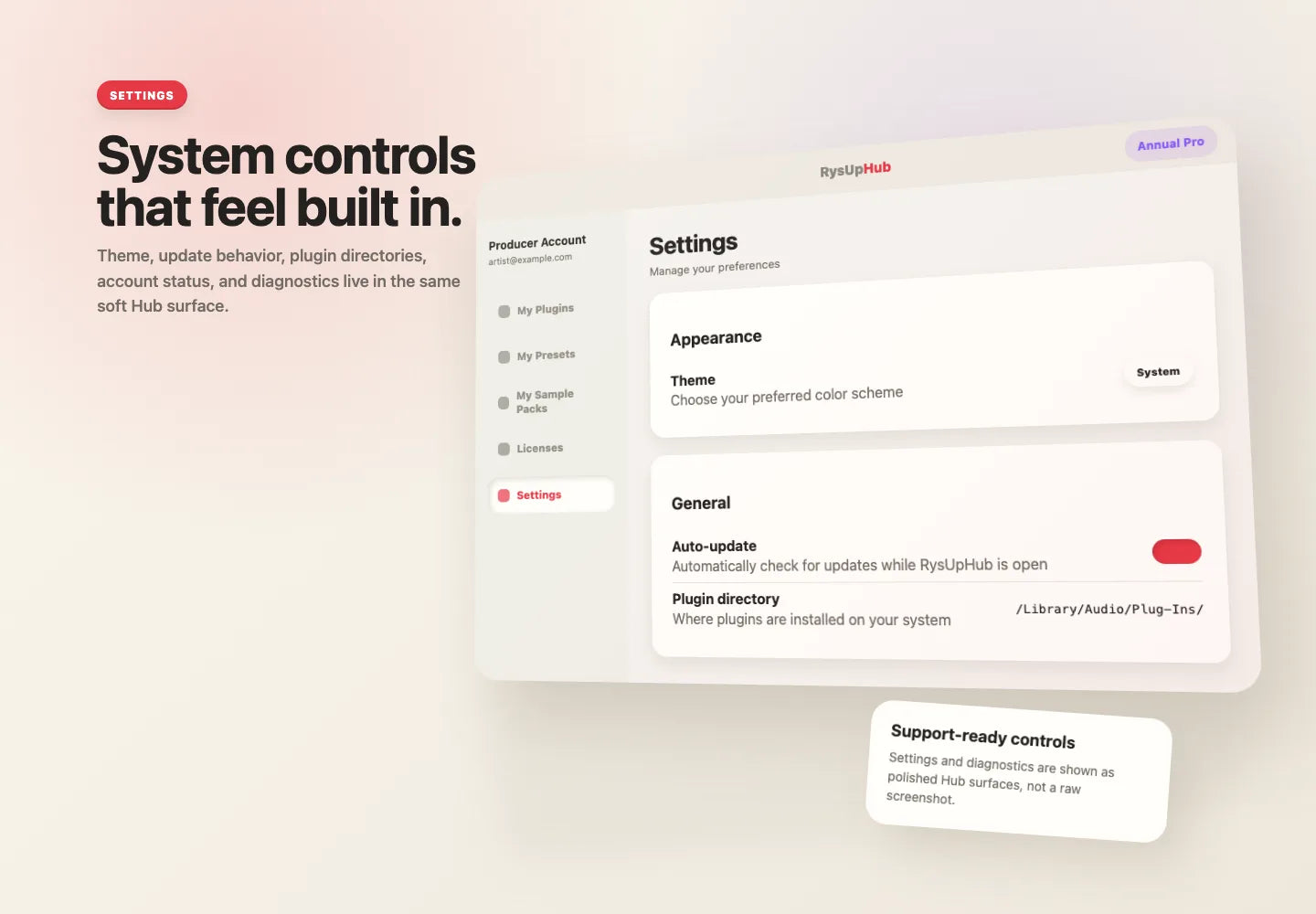
Keep app updates, preferences, and support details easy to find.
Fast setup
Install RysUpHub for Mac or Windows.
Use the same email you used at checkout.
Choose your plugins and open your DAW.
Ready
Install once. Use it whenever you need plugins, updates, or licenses.
RysUpHub is the Rys Up Audio desktop app for installing, updating, repairing, and activating Rys Up Audio plugins.
Yes. RysUpHub is free. Paid plugins and licenses appear after you sign in with your purchase email.
RysUpHub supports macOS 11 or newer and Windows 10/11.
Restart your DAW and run its plugin scan. If it still does not show, contact support with your checkout email, DAW, operating system, and plugin name.