
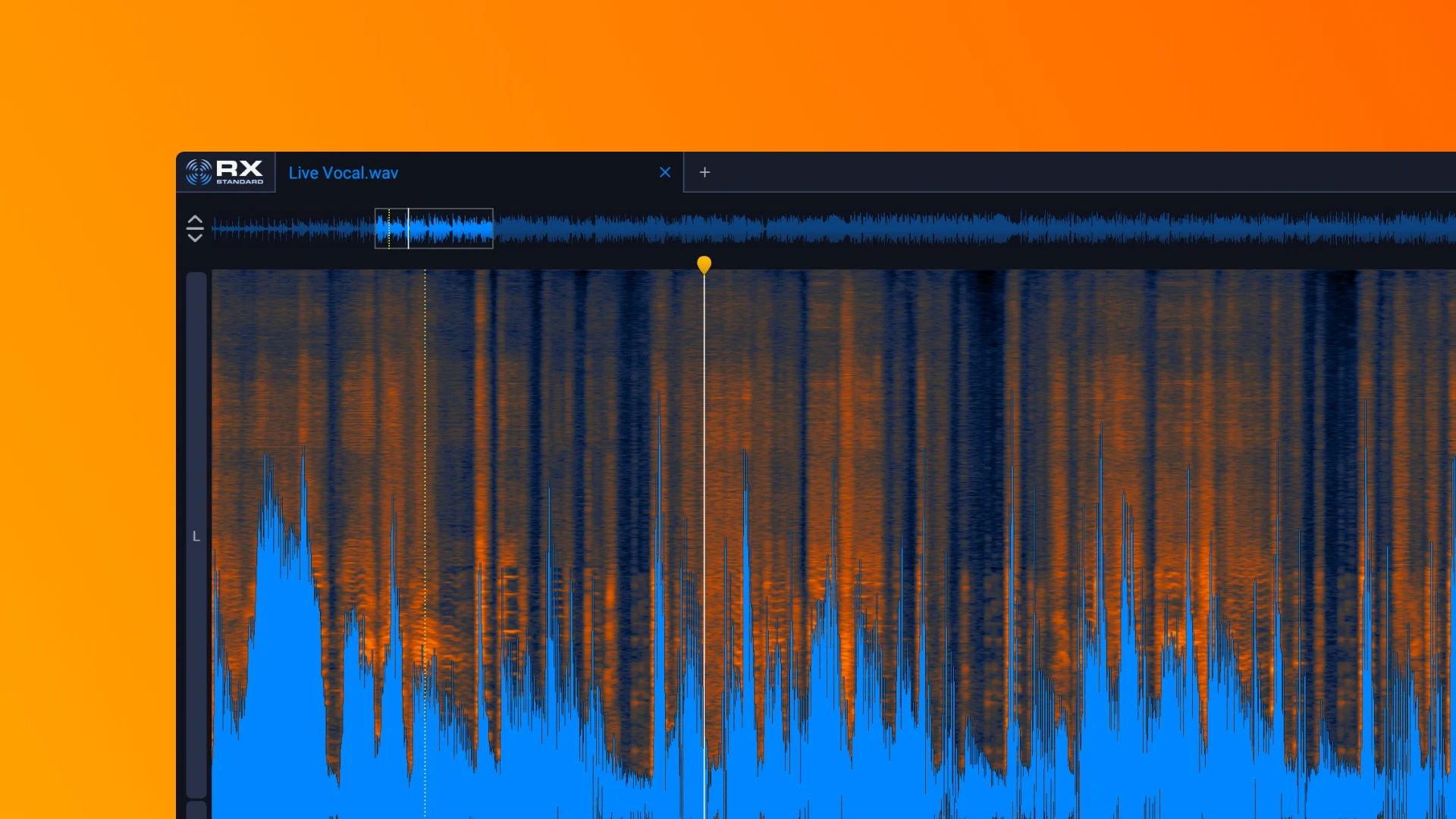

Disclosure: Rys Up Audio makes RysUpNoise Pro. We checked RX 12 Standard details and pricing against iZotope's official product page on August 24, 2026. We did not conduct a controlled listening test, so this page compares published scope, workflow, price, and compatibility instead of declaring one product a sound quality winner.
The strongest iZotope RX alternatives depend on what you need to repair. RysUpNoise Pro is the $49.99 focused music-vocal option with Live and HQ Transfer paths. NoiseWorks VoiceAssist Advanced is the broader vocal preparation option. Accentize dxRevive Pro is the dialogue restoration option. RX 12 Standard remains the right purchase when noise is only one item on a wider repair list that includes clicks, clipping, hum, spectral repair, and standalone restoration work.
Why people look for iZotope RX alternatives
RX is a broad repair suite. That is a genuine advantage when your projects regularly need several kinds of restoration. People look for alternatives when they mainly clean music vocals, prefer a narrower interface, or need a different specialty such as dialogue reconstruction. Do not switch just to save money if RX modules solve problems you have every week.
The alternatives at a glance
| RysUpNoise Pro | iZotope RX 12 Standard | |
|---|---|---|
| Checked price | $49.99 perpetual, also included with active or perpetual RysUpSuite | $399 |
| Primary job | Focused vocal background noise reduction | Broad audio repair and restoration suite |
| Real time workflow | Live Strength control | Several RX plugins and repair workflows |
| Review and export workflow | HQ Transfer captures playback, Denoises, auditions, and exports WAV | Standalone RX editor, plugins, and host dependent offline workflows |
| Extra repair categories | Not the first release scope | RX is built for repair jobs beyond vocal noise reduction |
| Published plugin formats | AU, VST3, and AAX on macOS; VST3 and AAX on Windows | AU, AAX, AAX AudioSuite, VST3, AU ARA, VST3 ARA |
| Published platform coverage | Universal macOS for Apple Silicon and Intel, plus Windows 64 bit | Apple Silicon Mac, Intel Mac, and Windows listed by iZotope |
- RysUpNoise Pro: focused background noise cleanup and a reviewable HQ Transfer render.
- NoiseWorks VoiceAssist Advanced: vocal and dialogue preparation with denoise, breaths, de essing, dynamics, and spectral work.
- Accentize dxRevive Pro: dialogue restoration with noise and reverb suppression plus frequency restoration.
1. RysUpNoise Pro: a focused music vocal alternative
You are mixing vocals, not repairing every possible fault
There is a difference between solving a noisy vocal and rebuilding a damaged recording. RysUpNoise Pro is for the first job. Live mode gives you a direct real time Strength control. HQ Transfer gives you a higher quality path when you want to capture the playback pass, Denoise it, hear the processed take before committing, then export a WAV.
If that is the recurring problem in your sessions, the focused workflow is easier to repeat. The goal is not to turn a lead vocal into an audio restoration project every time a fan or room tone makes its way into the take.
You want a lower cost focused purchase
RysUpNoise Pro is $49.99. RX 12 Standard is $399. RX earns its higher price when you need its breadth. If your actual need is background noise reduction on vocals, the difference in price reflects extra repair tools you may never open. A smaller tool is often the better one when it keeps a small job small.
You need a path in native Apple Silicon Logic
For RysUpNoise Pro, use HQ Transfer in native Apple Silicon Logic. It is designed as a playback capture and review workflow that does not require closing the project. RysUpNoise Pro does not promise ARA in that configuration. iZotope lists ARA options for RX 12, but its official requirements page should be the final word on its exact host and Rosetta requirements.
When RX 12 Standard is still the right purchase
Noise is one of several repair problems
RX is a repair toolbox, not simply a vocal denoiser. It makes more sense when the session brings clicking, clipping, hum, plosives, spectral repair needs, or other audio restoration issues along with the noise. Its standalone editor and larger module set give you a broader place to work through those jobs.
You need its wider repair-format coverage
iZotope lists Apple Silicon and Intel Mac support, Windows support, and AU, AAX, AAX AudioSuite, VST3, AU ARA, and VST3 ARA formats for RX 12 Standard. RysUpNoise Pro also ships on Universal macOS and Windows 64 bit, but RX remains the better choice when AudioSuite, its standalone editor, or its larger repair module set is required.
You need a standalone repair environment
RX is valuable to editors who regularly work outside a DAW insert and need a standalone restoration environment. RysUpNoise Pro's HQ Transfer workflow is deliberately narrower: capture the DAW playback, Denoise, audition, export, then continue the music session.
How to decide between RX alternatives
- Choose RysUpNoise Pro if the source is a music vocal and the repeated job is removing background noise without expanding the workflow.
- Choose RX 12 Standard if you regularly receive damaged audio that needs several different repair modules or a standalone editor.
- Own both only if both jobs are real. A focused vocal denoiser can live in your mix template while RX stays ready for the exceptional repair job.
Frequently asked questions
Does RysUpNoise Pro replace RX 12 Standard?
No. RysUpNoise Pro is a focused voice and vocal noise reduction product. It does not claim to replace RX's wider repair suite, standalone editor, or platform matrix.
Can RX and RysUpNoise Pro be used in the same session?
Yes. Use the smallest useful process first. If noise cleanup solves the actual problem, stop there. If clicks, clipping, hum, or detailed spectral repair remain, use the dedicated RX workflow for that specific issue.
Does RysUpNoise Pro work on Windows or Intel Mac?
Yes. The macOS build is Universal for Apple Silicon and Intel and includes AU, VST3, and AAX. The Windows 64 bit build includes VST3 and AAX. Both install through RysUpHub.
Keep the cleanup in the vocal workflow
RysUpNoise Pro is $49.99 for focused Live cleanup and an HQ Transfer render you can audition before export.
Source checked August 24, 2026
See the full AI vocal noise reduction roundup for every researched cleanup workflow.
Compare the other researched workflows: VoiceAssist alternatives, Clarity Vx alternatives, Supertone Clear alternatives, and dxRevive Pro alternatives.
Prices, formats, host support, and platform compatibility can change. Confirm the official product page before buying.