
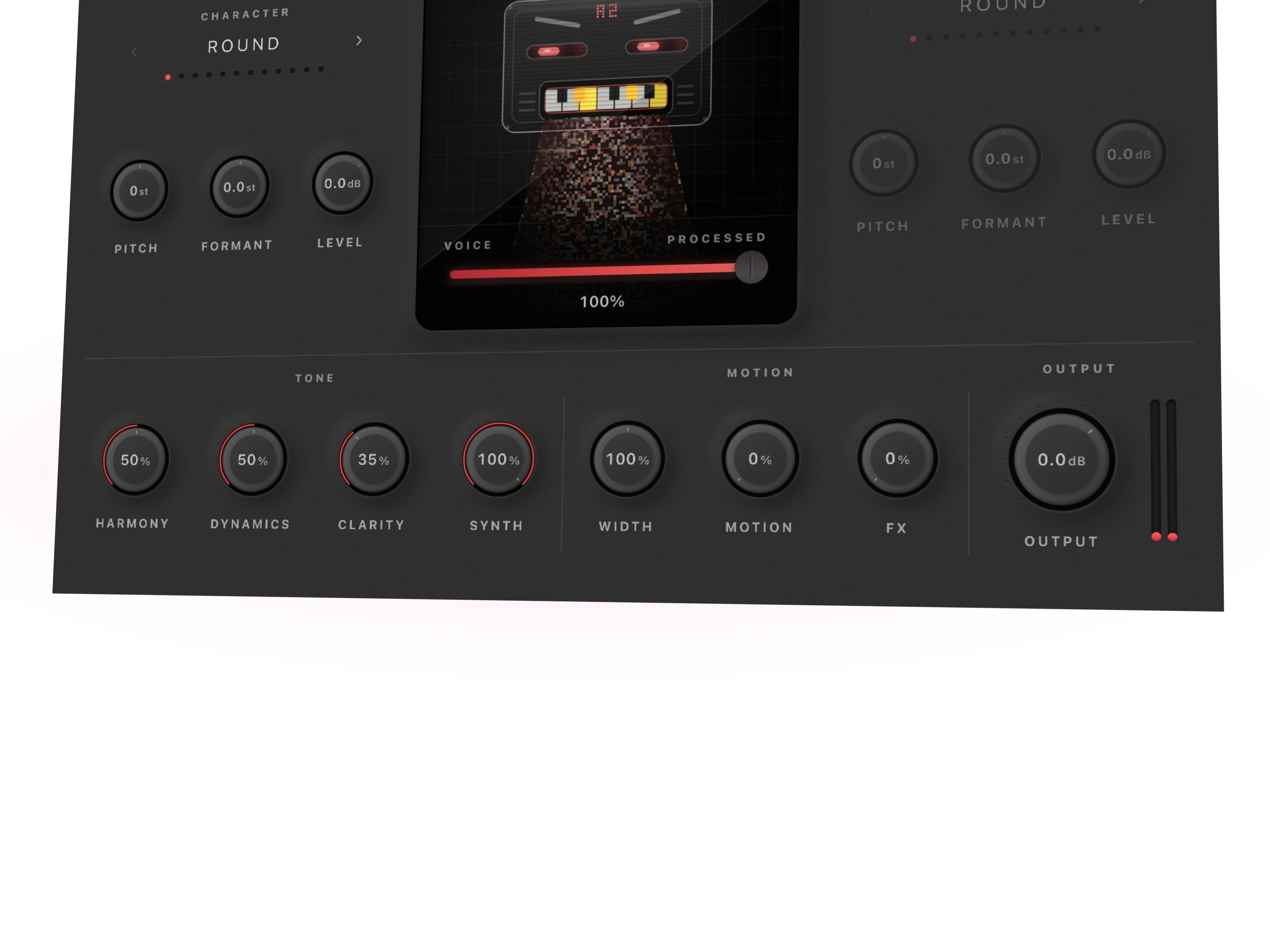

Vocoder vs talkbox comes down to how the voice shapes the instrument. A vocoder analyzes a voice and uses it to shape a carrier electronically. A physical talkbox sends instrument sound through a tube into your mouth, where your mouth shapes it before a microphone captures the result. Similar musical territory. Different recording jobs.
Disclosure: Rys Up Audio makes RysUpVocoder. This is our workflow comparison, with manufacturer references checked September 7, 2026. It is not a claim that software duplicates the experience or sound of a physical talkbox.
Vocoder vs talkbox: choose the recording job
Want to reshape an existing vocal inside your session and edit the musical notes later? Start with the software vocoder workflow. Want the physical act of shaping an instrument through a tube? That is the hardware performance job, and a plugin purchase does not supply it.
Our recommendation for the first job is RysUpVocoder, currently $29.99 outright. Pick it for the session workflow it actually provides. Do not buy any vocal effect because a product name sounds close to a famous record.
Before opening your wallet, answer one question: are you processing a recorded voice, or recording your mouth shaping an instrument? That decision eliminates most of the confusion.
Follow the two signal paths
Voice recording or mic → analysis
Carrier sound + voice analysis → electronic shaping → DAW output
Instrument → powered driver → tube
Mouth shapes instrument sound → microphone → recording input
The vocoder needs usable information from the voice and sound from the carrier. With a note controlled carrier, notes must overlap the words. The talkbox needs an instrument signal, the appropriate hardware chain, and a way to record the acoustic result.
These are conceptual paths. Exact connectors, power requirements and host routing belong to the specific device manual. Do not transfer the wiring instructions for one talkbox design to another.
What the vocoder changes
In a conventional vocoder, a bank of filters splits the voice into frequency regions. The changing energy in those regions controls corresponding parts of a carrier sound. The result can carry the articulation of speech while taking its pitch and tone from synthesized material.
That explains why a bright carrier often produces a clearer talking sound than a nearly pure tone. There must be enough harmonic material for the shaping to work with. It also explains why a sustained note and a spoken rhythm can become one musical part.
The Ableton vocoder reference explains this mechanism. Its external carrier and band controls describe Ableton's own device, not a promise that every vocoder exposes the same controls.
If Ableton is the session owner, build the rest of the editable chain from the Ableton vocal preset collection.
What the physical talkbox changes
A physical talkbox makes the mouth part of the acoustic path. You shape the incoming instrument sound with your mouth rather than relying on a recorded vocal to control an electronic filter bank. A microphone captures the shaped result.
As a concrete reference, Dunlop's MXR M222 includes its own amplifier and speaker driver, plus a tube. That built in design is important: hardware talkboxes do not all require the same surrounding equipment. Follow the M222 manual for that model.
The visible pedal does not tell the whole recording story. You still need the source performance and the microphone capture path. Room sound, microphone placement and articulation become part of the take.
Compare control and recall
| Decision | Software vocoder | Physical talkbox |
|---|---|---|
| Where words come from | Voice used as a modulator | Mouth shaping instrument sound |
| Recording requirement | Audio and the required carrier or note input | Hardware performance captured with a microphone |
| Later note changes | Edit MIDI where the selected mode supports it | Usually revise or process the recorded performance |
| Session recall | Save plugin state and source tracks | Save audio and document the physical setup |
| Rys Up fit | RysUpVocoder for the plugin route | No physical talkbox supplied |
Neither column guarantees intelligibility. A complicated chord, indistinct articulation or an overprocessed return can hide the words. Evaluate a short phrase before committing the entire hook.
Build a RysUpVocoder starting session
Keep the original vocal on its own track and work on a duplicate or dedicated effect path. Load RysUpVocoder in a compatible host, select MIDI input mode, and route a MIDI track to that plugin instance. Use one held note first, spanning the vocal phrase.
Keep one layer enabled while establishing the signal. Confirm the vocal reaches the plugin and that the MIDI note is arriving. Once you hear the relationship, try a simple chord and compare the words against the single note version. Add complexity only when the lyric survives.
Use the complete vocoder workflow for the general setup, or the FL Studio routing guide for that host. A MIDI track existing in the project does not mean it is routed to the effect.
RysUpVocoder's Sidechain mode selects a separate vocal input. Do not assume it means an arbitrary external synth carrier. Keep this distinction clear when adapting tutorials written for other processors.
Fix silence before changing the sound
If the result is silent, trace one stage at a time. Is the vocal playing? Is the plugin active? Are notes reaching the correct instance? Does the selected input mode match the audio path? Are the output and layer levels audible?
If you hear ordinary singing but no synthesized layer, inspect the dry and processed balance. If you hear a tone without useful words, inspect the voice path and articulation. Changing presets repeatedly will not repair a disconnected source.
For hardware, check the exact manufacturer's setup instructions and the recording microphone path. Hearing the source instrument elsewhere in the room does not prove the shaped mouth output is reaching your recording track.
Make the words survive the mix
Start with a clear, dry phrase and a simple musical part. Speak or sing the consonants deliberately, but avoid clipping the recording. Test the effect against the instrumental early. A soloed robot sound can seem detailed while disappearing under bright cymbals and guitars.
If the hook becomes muddy, simplify the chord or move its register before adding more brightness. If the words blur, shorten overlapping notes and recheck the timing against the phrase. These are listening decisions, not universal preset numbers.
Keep enough dry voice to support intelligibility if the arrangement calls for it. Then compare at a similar output level and check mono. A wider or louder result can initially feel better while making the actual lyric harder to follow.
Count the whole setup cost
RysUpVocoder's $29.99 outright price covers the plugin license, not a computer, microphone, audio interface or DAW. Check the RysUpHub installation path and the product requirements before choosing the plugin format for your host.
For a physical talkbox, count the specific hardware requirements, source instrument and microphone capture equipment. We are not quoting a complete hardware package price because the missing pieces depend on what you already own.
If you need several processors across your sessions, compare the current RysUpSuite options with individual purchases. The current outright Suite listing is $249; subscription access has its own terms. Neither option supplies physical talkbox hardware.
Choose your next move
For an editable synthesized vocal inside your DAW, start with RysUpVocoder. Keep the original performance, learn one working audio and MIDI route, and build the hook from there. That is a concrete workflow you can repeat across sessions.
If your reference depends on the physical tube performance, recognize that as a separate requirement before buying software. A similar label is not proof of matching tone, feel or playing technique.
Compare online versus installed vocoder workflows if you are still choosing where to work. Browse the Rys Up plugin lineup when you know which processing job is missing.
Sources and scope
Checked September 7, 2026: Dunlop M222 product information and image, its linked manual, Ableton's linked vocoder reference, and current RysUpVocoder product, installer and release information. Prices can change.
The signal diagrams explain mechanisms. The session steps are a practical starting workflow, not a published listening shootout, sonic equivalence measurement or claim that two different recording methods produce identical results.
Still choosing the type of vocal processing? Compare tuning with a vocoder effect to separate pitch correction from synthetic articulation before deciding between a plugin and a physical talkbox.
If you choose the plugin route, our guide to making vocals sound robotic explains the carrier, played notes, processed blend, and clarity decisions without changing this talkbox comparison.