
Edition check: Ableton lists Audio Effect Rack across current editions and separately identifies which effects each edition includes. Match the pack's device list to your installation before buying. Compare Live editions · Audio Effect Rack documentation
Best Vocal Presets for Ableton Live 2026
You just tracked a solid vocal take. The performance is right. The energy is there. But the second you hit play alongside your beat, the vocal sits on top of the mix like it doesn't belong. It sounds dry, thin, and disconnected from everything else happening in the session.

Sound familiar? If you produce in Ableton Live, you already know the struggle. Dialing in a vocal chain from scratch takes serious time, and honestly, most producers aren't mixing engineers. If you're still learning how to mix vocals, you shouldn't have to master every technique just to get your vocals to sound competitive.
That's exactly where vocal presets come in. And not just any presets — presets built specifically for Ableton Live's stock plugin ecosystem, delivered as Audio Effect Racks that drop straight into your session. Check the exact device requirements first, then drag the Audio Effect Rack onto the vocal track and adjust it against the recording and beat.
In this guide, we're breaking down everything you need to know about Ableton vocal presets in 2026: what makes them worth using, which ones work best for different genres, how to install them, and why stock-plugin-based presets are the smartest investment you can make for your workflow.
Why Ableton Live Needs Dedicated Vocal Presets
Ableton Live is one of the most powerful DAWs on the market. It dominates in electronic music, hip-hop production, and live performance. But here's the thing most tutorials won't tell you: Ableton's default vocal processing workflow isn't intuitive for beginners or even intermediate producers.
Unlike some DAWs that ship with channel strip presets for vocals, Ableton gives you a blank canvas. EQ Eight, Compressor, Glue Compressor, Reverb, Delay, Saturator — they're all there, and they're all excellent. But knowing how to chain them together, set the right attack and release times on your compressor, carve out mud with EQ, and blend reverb without drowning the vocal? That's a skill set that takes years to develop.
Dedicated vocal presets solve this by packaging professional signal chains into ready-made Audio Effect Racks. A well-designed preset handles the heavy lifting — EQ shaping, dynamic control, spatial effects, tonal character — so you can focus on the creative decisions that actually matter: writing, arranging, and performing.
And let's be real about the time factor. If you're spending 45 minutes trying to get a vocal to sit right before you even start arranging, that's 45 minutes of creative energy burned on troubleshooting. A good preset gets you 80-90% of the way there in seconds. You make a few tweaks for your specific voice and room, and you're mixing.
What Makes a Good Ableton Vocal Preset
Not all vocal presets are created equal. Some are built as marketing gimmicks — flashy names with settings that sound extreme in isolation but fall apart in an actual mix. Here's what separates a genuinely useful Ableton vocal preset from a forgettable one:
100% Stock Plugin Compatibility
This is non-negotiable for most producers. The best Ableton vocal presets use only native Ableton plugins — EQ Eight, Compressor, Glue Compressor, Reverb, Delay, Chorus, Saturator, and the rest of the stock suite. Why? Because you already own them. You don't need to spend another $200 on a third-party compressor just to load a preset. Ableton's current edition comparison includes Audio Effect Rack across editions, but individual effects vary by edition. Check each preset pack's exact device list in the Ableton vocal preset collection before purchase.
Audio Effect Rack Format (.adg Files)
Ableton's Audio Effect Rack is one of the most underrated features in any DAW. It lets you group multiple effects into a single rack with macro controls mapped to the most important parameters. A properly built vocal preset uses this format to give you one-knob control over things like reverb amount, compression intensity, or brightness — without needing to dive into individual plugin windows. You drag the .adg file onto your vocal track, and the entire chain loads at once.
Genre-Appropriate Processing
A vocal preset designed for airy pop vocals shouldn't sound anything like one built for aggressive trap. Good presets are designed with specific genres and vocal styles in mind. The compression ratios, EQ curves, reverb types, and saturation amounts all reflect the sonic goals of that genre.
Flexibility Through Macro Controls
Every voice is different. Every room is different. Every microphone is different. A preset that sounds incredible on one person's setup might need adjustments on yours. The best presets anticipate this by mapping key parameters to macro knobs. You should be able to adjust the amount of compression, the reverb send level, the high-end brightness, and the overall tone without opening a single plugin window.
Mix-Ready Results
The end goal of any vocal preset is a vocal that sits properly in a mix. That means controlled dynamics, clear midrange presence, appropriate low-end management, and spatial effects that add depth without washing out the detail. If a preset sounds impressive when you solo the vocal but makes it disappear in the mix, it's not doing its job.
Best Ableton Vocal Presets for Hip-Hop
Hip-hop vocals need to cut through heavy 808s, layered hi-hats, and dense arrangements without losing their raw energy. The processing priorities for hip-hop are clear: aggressive compression to keep the vocal upfront, surgical EQ to carve out space against sub-heavy beats, and tasteful saturation to add grit and presence.
For modern trap and drill vocals, you want presets that emphasize the upper midrange — roughly the 2-5 kHz area — to give the vocal that forward, in-your-face quality. De-essing is critical here because compressed, bright vocals will bring out sibilance fast. A good hip-hop preset handles this automatically within the rack.
Delay plays a bigger role than reverb in most hip-hop subgenres. Short slapback delays, filtered feedback throws, and subtle stereo widening keep the vocal interesting without pushing it back in the mix the way a long reverb tail would.
If you're producing boom-bap, the approach shifts — warmer EQ curves, less extreme compression, and maybe some analog-style saturation to match the vintage character of sampled beats.
Check out Rys Up Audio's hip-hop vocal presets for chains specifically built around these production styles. Check the exact pack listing for its Ableton device and Audio Effect Rack requirements.
Best Ableton Vocal Presets for R&B
R&B vocals live in a completely different sonic space. The genre demands warmth, smoothness, and intimacy. Where hip-hop wants the vocal punching through the mix, R&B wants the vocal floating inside it — present but never harsh, detailed but never clinical.
The processing philosophy changes significantly. Compression is gentler — slower attack times let more of the natural transients through, preserving the breathy, dynamic quality that defines great R&B vocal performances. EQ tends to favor the low mids for warmth and body, with a gentle shelf boost in the highs for air rather than the aggressive presence peaks you'd use in hip-hop.
Reverb becomes a primary creative tool in R&B. Longer, lush plate and hall reverbs create that spacious, dreamy quality. But the key is keeping the reverb tail clean — high-pass filtering the reverb return and rolling off some of the top end prevents it from competing with the dry vocal.
Chorus and subtle pitch modulation effects add width and richness that work beautifully in sparse R&B arrangements. These effects need to be mixed low — you should feel them more than hear them.
Browse R&B vocal presets designed specifically for these smooth, polished vocal tones using Ableton's stock effects. Want to learn the mixing techniques behind that signature R&B warmth? Read our complete guide on how to mix R&B vocals.
Best Ableton Vocal Presets for Pop
Pop vocal production sits at the intersection of clarity, energy, and commercial polish. A pop vocal needs to be the loudest, most present element in the mix at all times, across every streaming platform, on every playback system from AirPods to car speakers.
This means aggressive but transparent compression — often multiple stages of gain reduction. A gentle compressor first to control the overall dynamic range, followed by a faster compressor or limiter to catch peaks. In Ableton, you can achieve this by stacking the Compressor and Glue Compressor inside an Audio Effect Rack.
EQ for pop vocals is surgical. You're cutting rumble below 80 Hz, cleaning up boxiness around 250-400 Hz, adding presence in the 3-5 kHz range, and boosting air above 10 kHz. The result should sound bright and polished without being fatiguing.
Stereo widening on vocal doubles and harmonies is standard in pop production. Ableton's Utility plugin and subtle chorus effects can create wide, immersive vocal stacks when used correctly within an Audio Effect Rack.
Timing-synced delays — eighth notes, dotted eighths, quarter notes — add rhythmic interest and fill gaps between phrases. These are mixed lower than in hip-hop but they're always present, giving the vocal a sense of movement and polish.
Find pop-specific vocal chains in the pop vocal preset collection, with each pack's exact device requirements listed before purchase.
Ableton Stock Plugins vs Third-Party Plugins for Vocals
This debate comes up constantly in production forums, and the answer in 2026 is clearer than ever: Ableton's stock plugins are more than capable of producing professional vocal results.
Let's look at what you're actually working with. EQ Eight is a fully parametric 8-band EQ with mid/side processing, oversampling, and analyzer display. Compressor offers multiple compression models including feedback and feedforward modes. Glue Compressor is based on classic bus compressor circuits. Reverb, Delay, Chorus-Ensemble, Saturator, and the newer Drift synth — the toolbox is deep.
Third-party plugins have their place. Specific emulations of analog hardware, advanced de-essing algorithms (see the best free Soothe 2 alternatives), and specialized tools like Melodyne or Auto-Tune serve purposes that stock plugins can't replicate. But for the core vocal processing chain — EQ, compression, saturation, time-based effects — stock Ableton plugins deliver professional-grade results.
The practical advantage of stock-plugin presets is massive: portability. If you collaborate with another producer who uses Ableton, your preset loads on their system without them needing to own anything extra. If you upgrade Ableton or switch to a new computer, your presets come with you automatically. No license headaches, no iLok issues, no missing plugins when you open old sessions.
Every preset in the Rys Up Audio vocal preset library is designed around this philosophy — editable starting points with exact device requirements listed per pack.
| Factor | Manual Mixing with Stock Plugins | Using Professional Vocal Presets |
|---|---|---|
| Setup Time | 30-60 minutes per vocal track | Under 1 minute (drag and drop) |
| Skill Level Required | Intermediate to advanced mixing knowledge | Beginner-friendly with macro controls |
| Consistency Across Sessions | Varies — depends on memory and notes | Consistent starting point every time |
| Learning Opportunity | High — you learn by doing | High — you can study the preset chain |
| Third-Party Plugin Cost | $0 (stock only) to $500+ (premium plugins) | Depends on the pack and required devices |
| Result Quality | Depends entirely on your experience | Professional baseline from the start |
| Customization | Full control, but overwhelming | Macro knobs for quick tweaks, full access to individual plugins for deeper edits |
| Collaboration | Partner needs same plugins installed | Loads only when every required device is available |
How to Install Vocal Presets in Ableton Live
Installing vocal presets in Ableton is straightforward once you know where things go. Here's the quick version:
- Download your preset pack — After purchasing, you'll receive a .zip file containing .adg files (Audio Effect Rack presets).
- Unzip the file — Extract the contents to a folder you can easily find. Your desktop or a dedicated "Presets" folder works fine.
- Open Ableton Live — Launch your DAW and open any project, or create a new one.
-
Add presets to your User Library — Navigate to your Ableton User Library folder. On Mac, this is typically
Music/Ableton/User Library/Presets/Audio Effects/Audio Effect Rack. On Windows, it's usuallyDocuments\Ableton\User Library\Presets\Audio Effects\Audio Effect Rack. Drop the .adg files into this folder (or create a subfolder to keep things organized). - Access from Ableton's browser — In Ableton, go to the browser sidebar, navigate to User Library > Presets > Audio Effects > Audio Effect Rack, and you'll see your new presets listed. Drag one onto any audio track to load it.
- Alternative: drag and drop — You can also drag .adg files directly from Finder or File Explorer onto an audio track in Ableton. The rack loads instantly.
For a complete walkthrough with screenshots and troubleshooting tips, check out our full installation guide for vocal presets.
A few tips to keep in mind:
- Organize by genre or style — Create subfolders like "Hip-Hop Vocals," "R&B Vocals," or "Vocal FX" inside your Audio Effect Rack folder. This saves time when you're mid-session and need to find the right preset fast.
- Standard vs Suite — Audio Effect Rack is broadly available, but the effects inside each rack can differ by Live edition. However, some presets may use effects exclusive to Suite (like Corpus or Spectral Resonator). Always check compatibility notes before purchasing.
- Save your tweaked versions — After adjusting a preset to fit your voice and microphone, right-click the Audio Effect Rack title bar and select "Save Preset." This creates a personalized version in your User Library that you can recall anytime.
Free vs Paid Ableton Vocal Presets
You can find free Ableton vocal presets scattered across YouTube descriptions, Reddit threads, and producer forums. Some of them are genuinely useful. But there are real differences between free and paid presets that are worth understanding before you invest time loading up a bunch of freebies.
Free Vocal Presets
Free presets are a great starting point if you're just getting into vocal production — we've even put together a guide to the best free vocal presets available right now. They help you understand what an Audio Effect Rack looks like, how effects are chained together, and what different processing stages do to a vocal. That educational value is real.
The limitations show up in the details. Free presets are often built quickly without extensive testing across different voices, microphones, and recording environments. They might sound great on the creator's setup but harsh or muddy on yours. Macro controls — if they're mapped at all — tend to cover basic parameters without the thoughtful routing that makes a preset truly flexible.
You'll also notice that many free presets lean heavily on extreme effects: huge reverbs, aggressive pitch correction-style processing, and heavy distortion. These presets are designed to sound impressive in a quick demo but aren't practical for actual music production where the vocal needs to sit in a balanced mix.
Paid Vocal Presets
Paid presets from reputable creators are built differently. At Rys Up Audio, each pack is designed as an editable starting point. Results still depend on the singer, microphone, room, input level, and arrangement.
The macro controls are carefully mapped to the parameters that matter most — you can reshape the entire character of the preset with a few knob turns without ever needing to open an individual plugin. The signal chain routing is optimized for gain staging, meaning you won't get unexpected clipping or volume jumps when you adjust settings.
Paid preset packs also come with variety. Instead of a single generic chain, you get presets tailored to different vocal styles, subgenres, and mix contexts. A pack might include separate presets for lead vocals, doubles, ad-libs, harmonies, and vocal effects — each one designed for its specific role in a production.
At around $49.99 for a complete pack, the math is simple: if a preset pack saves you even a few hours of mixing time across your next several sessions, it's already paid for itself.
Getting the Most Out of Your Vocal Presets
Dropping a preset onto a track is step one. Getting professional results requires a little more intention. Here's how to make sure your presets actually deliver:
Record the Best Raw Vocal Possible
No preset can fix a bad recording. Get your gain levels right — aim for peaks around -12 to -6 dB. Use a pop filter. Record in the quietest space available. The cleaner your raw vocal, the better any preset will sound on it.
Adjust the Macro Controls First
Before diving into individual plugins, use the macro knobs. They're mapped to the most impactful parameters for a reason. Adjust the compression amount until the vocal dynamics feel right for your track. Dial the reverb to taste. Tweak the brightness until the vocal sits naturally against your instrumentation.
Gain Stage Properly
If your raw vocal is recorded too hot or too quiet, the preset's compressor and EQ won't respond the way they were designed to. Use a Utility plugin before the preset rack to adjust the input level. Aim for the compressor to show consistent gain reduction — not slamming the needle, and not barely touching it.
Use Presets as Starting Points
The best producers treat presets as starting points, not finished chains. Once the preset gets you in the ballpark, open up the individual plugins within the rack and make targeted adjustments. Maybe your microphone has a presence peak at 4 kHz that the preset's EQ doesn't account for — notch it out. Maybe the reverb decay is slightly too long for your tempo — shorten it. These small moves are what take a vocal from good to great.
Layer Multiple Presets for Complex Arrangements
For tracks with layered vocals — lead, doubles, harmonies, ad-libs — use different presets for each layer. Your lead vocal might use a dry, present preset while your harmonies use something wider and more ambient. Your ad-libs might benefit from a preset with more aggressive effects. This separation creates depth and keeps each vocal element distinct in the mix.
Explore the full vocal preset library to find chains for every vocal layer in your productions.
Artist-Inspired Vocal Presets for Ableton
Sometimes you have a specific reference in mind. You want your vocals to capture the same energy and texture as a particular artist or song. Artist-inspired presets are designed to get you into that sonic territory using Ableton's stock plugins.
These presets use broad processing characteristics from popular vocal styles as a reference — the compression style, the EQ shape, the reverb and delay signatures — and translate those choices into editable Audio Effect Racks. They won't make you sound exactly like someone else (your voice, mic, and room are unique), but they give you a processing framework that captures the same vibe.
This is especially useful when you're working with an artist who says "I want my vocals to sound like [reference track]." Instead of spending an hour trying to analyze and recreate that sound from scratch, you load the closest artist-inspired preset, make a few adjustments, and you're in the zone.
Browse the artist-inspired vocal preset collection for chains modeled after today's biggest sounds.
Ready to get started? Browse all vocal presets at Rys Up Audio — then verify the exact DAW format, genre, and device requirements on the selected pack.
FAQ: Ableton Vocal Presets
Do Ableton vocal presets work with Ableton Live Standard, or do I need Suite?
Audio Effect Rack is available across current Live editions, but the devices inside a rack vary by edition. Ableton's current comparison, for example, places some effects in different tiers. Check the exact preset listing and confirm every required device is included in your installed Live edition before purchase.
Can I use these presets on vocals recorded with any microphone?
Yes. Professional vocal presets are designed to work across a wide range of microphones and recording setups. That said, every microphone has its own frequency characteristics, so you may need to make minor EQ adjustments using the macro controls or by tweaking EQ Eight directly within the rack. A condenser mic might need less high-end boost than a dynamic mic, for example. The presets give you a strong starting point that you can fine-tune in seconds.
How are Ableton vocal presets different from presets for other DAWs?
Ableton vocal presets are delivered as Audio Effect Rack files (.adg), which is a format exclusive to Ableton Live. They use Ableton's native plugins and take advantage of features like macro controls and chain routing that are specific to Ableton's rack system. Presets made for FL Studio, Logic, or Pro Tools use those DAWs' native formats and plugins instead. You cannot load an Ableton .adg file in another DAW, and vice versa.
Will vocal presets make my vocals sound professional without any mixing knowledge?
Vocal presets dramatically reduce the mixing knowledge required to get a polished sound. They handle the technical decisions — compressor settings, EQ curves, effect routing — so you can focus on the creative side. However, you'll still get better results if you understand the basics: recording at proper levels, adjusting macro controls to taste, and choosing the right preset for your genre and vocal style. Think of presets as a professional mixing engineer's starting template that you customize for each session.
How many presets come in a typical pack?
Preset packs from Rys Up Audio typically include multiple Audio Effect Racks covering different vocal styles and mix contexts. A pack might contain presets for clean leads, aggressive leads, soft vocals, vocal doubles, harmonies, ad-libs, and creative vocal effects. The exact count varies by pack, so check the Ableton vocal presets collection for specific details on each product.
Can I customize the presets after loading them?
Absolutely. That's one of the biggest advantages of the Audio Effect Rack format. You can adjust the macro knobs for quick changes, or click into any individual plugin within the rack to make detailed adjustments. Once you've tweaked a preset to match your voice and setup, you can save it as a new preset in your User Library for instant recall in future sessions. The presets are fully editable — nothing is locked or restricted.
Do I need any third-party plugins to use these presets?
Requirements vary by preset pack. Some racks can use only Ableton devices, while others may reference devices that are unavailable in your edition or third-party plug-ins. Check the exact product listing before purchase so every required device is installed and authorized.
Pair Your Vocals With RysUp Plugins
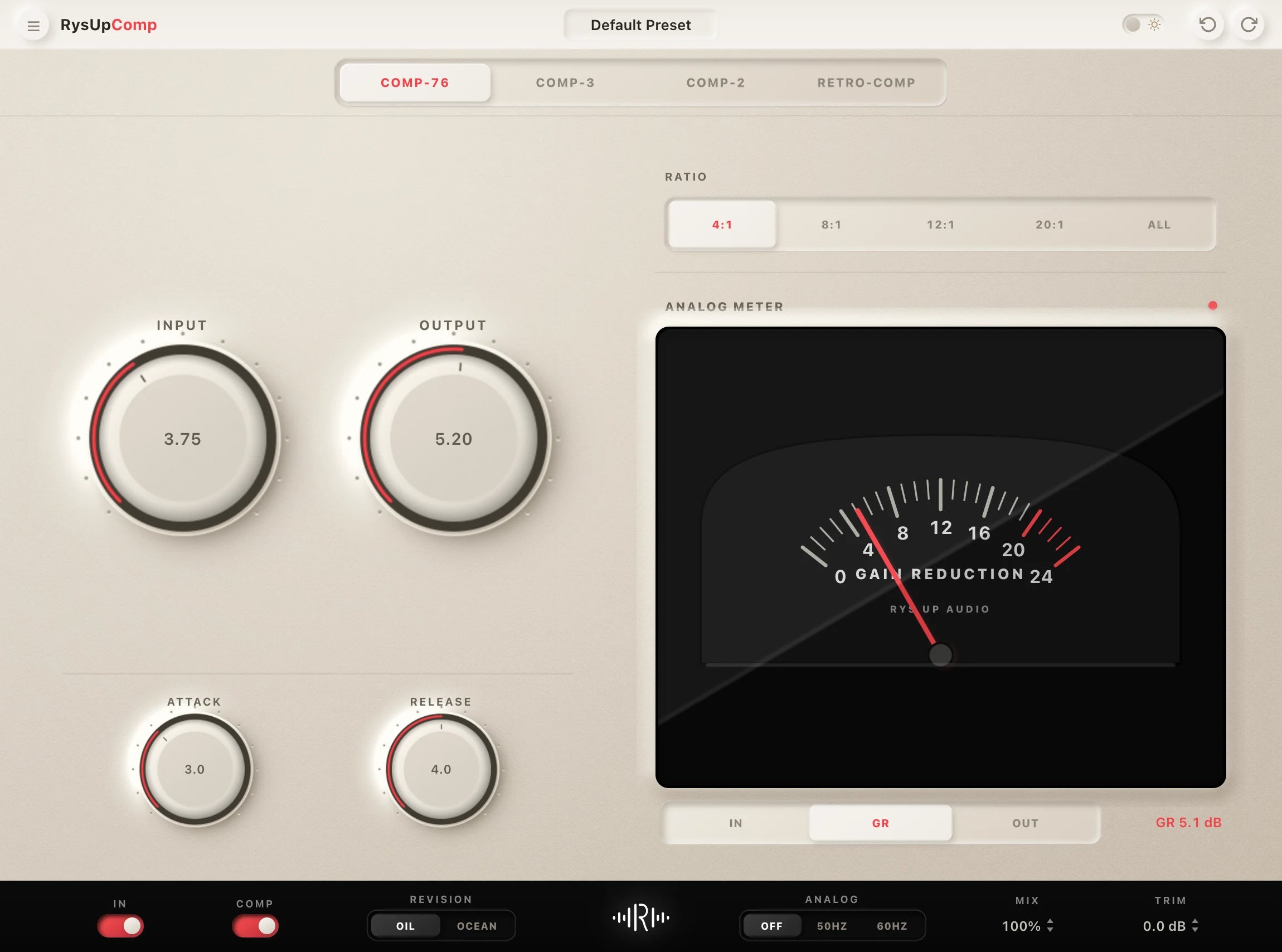
If you want to upgrade your vocal chain, every plugin in the RysUp collection is built specifically for vocal production — modern codebase, weekly updates, no iLok, and a fraction of the cost of legacy software.

Ableton Live workflow
Build the chain here, then compare the complete Ableton library
Use this guide to understand the rack, gain, and effect choices. When you want a faster starting point, compare Ableton vocal presets that keep the Audio Effect Rack editable for your own voice.
Guide or preset collection
Use the guide to choose, then use the collection to compare
This article explains what to look for in an Ableton vocal chain. The Ableton preset collection is the commercial library where you can compare complete downloadable chains by sound and workflow.
Guide or complete collection
Learn the rack workflow, then compare every Ableton vocal preset
Use this guide to understand the effects and routing. Open the Ableton vocal preset collection when you want complete Audio Effect Rack starting points, current compatibility details, audio demos, and checkout.