
Best Free Stem Separators 2026 — Online Tools Compared

Stem separation used to be something only professional studios could do. You needed expensive software like iZotope RX, a powerful computer, and a lot of patience. In 2026, AI has completely changed that. There are now dozens of tools that can split a song into individual stems — vocals, drums, bass, and more — using nothing but a web browser.
This guide compares documented features and access conditions. It is not a controlled listening benchmark, and it does not establish a universal audio quality winner. Check the current tool screen before uploading a file.
Here's what we found.
What Is Stem Separation and Why Does It Matter?
Stem separation (also called source separation or vocal isolation) uses AI to split a mixed audio file into its individual components. A typical 4-stem separation gives you: vocals, drums, bass, and "other" (everything else like guitars, synths, and keys). Some tools offer 2-stem mode, which isolates just vocals from the instrumental.
This has practical applications across music production:
- Remixing and sampling. Extract a vocal from an existing song to build a remix or sample pack.
- Karaoke. Remove the vocals to create instrumental backing tracks.
- Practice and learning. Isolate drums or bass to practice along with your favorite songs.
- Content creation. Separate vocals for TikTok edits, YouTube videos, podcasts, or mashups.
- Production reference. Analyze how professional tracks are mixed by listening to individual stems.
Different models can leave different amounts of bleed and transient damage. Audition the section you actually need, including cymbals, consonants, and reverb tails, before building a production around a stem.
Rys Up Audio Free Stem Separator
Full disclosure: this is our tool. Rys Up Audio offers a browser workflow for stem separation. Free access still has file size, export workflow, and shared processing availability constraints.
Our free AI stem splitter offers vocal isolation and multi stem routes. Read the selected mode and its current availability before starting.
- Vocal and instrumental mode: the current tool is configured with BS RoFormer and HT Demucs fallback routes. Audio is uploaded to third party public workers; this is not local only processing.
- Multi stem mode: current routes include Fast five stem Spleeter and Higher Quality six stem BS RoFormer processing. Output format and completion time depend on the route. The tool screen shows the selected mode.
What to check before using it:
- Free tool access: no paid processing credits are advertised, but files are limited to 50 MB and public worker capacity can interrupt a job.
- Access and export: follow the current tool screen and any export prompt. Do not assume every stage is unrestricted because the landing page says free.
- Downloads: available only after successful processing and the displayed export workflow. There is no guaranteed immediate result.
- Model choice: different routes use different models. A model name alone does not prove cleaner results on your recording.
- Upload privacy: these separation routes send audio to third party public workers. Do not submit private or sensitive recordings.
- Browser workflow: you do not need to install a desktop separator, but browser, device, network, and worker availability still matter.
Check the live tool for currently available modes. An article is not a promise of an unreleased feature or a guarantee that a processing provider is online.
LALAL.AI
LALAL.AI offers vocal and instrument separation through its own service. Its supported separation types include vocals, drums, bass, guitar, and other instrument categories. Choose the stem type you need on its current product screen.
The current Starter plan provides 10 minutes in the Relaxed Queue and a 200 MB file limit, with no result downloads. Paid plans add downloads and different processing allowances. Prices depend on currency and billing term, so use the current checkout quote.
LALAL.AI lists its VST plugin and API access under Pro. Compare the required processing volume and features before choosing a plan.
Best for: producers who want a hosted service with selectable instrument types and paid processing options.
Ultimate Vocal Remover (UVR5)

UVR5 is a free, open source desktop separator with multiple model families and an Ensemble workflow. Model choice gives you more control, but does not guarantee that one setting will win on every song.
The tradeoff is setup. UVR5 is available for Windows, macOS, and Linux. Processing speed depends on the model, audio length, and hardware; a single GPU specification or fixed song duration is not a reliable requirement for every platform.
Model selection, parameter tuning, and output configuration take more setup than a single upload button. UVR5 fits users who want to compare settings and keep processing local.
Best for: users who want local processing and model control and are comfortable installing desktop software.
Moises.ai
Moises is more of an all-in-one musician's toolkit than a pure stem separator. Beyond separation, it offers key detection, chord detection, BPM analysis, pitch/tempo adjustment, and AI-generated accompaniment. It's available on web, iOS, Android, and desktop — one of the most platform-diverse options available.
Moises currently describes a free tier with limited monthly uploads and a paid subscription for broader access. Check the current Moises plan for your account, region, and required export features. This guide does not assign an unverified percentage quality score.
Not ideal for: users who only need a local desktop separator and do not want a broader practice toolkit.
BandLab Splitter
BandLab documents free two or four stem separation, with vocals, drums, bass, and other in the four stem mode. Membership adds instrument options and faster processing. Its official guide describes a 15 minute file length limit and unlimited free uploads.
You use Splitter within the BandLab account workflow, and its Studio integration can be useful for continuing the arrangement. We have not established a blind quality ranking against the other tools in this guide.
Working on your own recording in BandLab Studio after separation? Compare BandLab vocal presets for the next vocal-processing stage. Audition separation artifacts before adding brightness or compression. Separating someone else’s recording does not grant permission to reuse it, and a desktop plugin preset is not a BandLab FX preset.
Not ideal for: users who want to avoid a BandLab account or need a local processing workflow.
MVSEP
MVSEP provides a web interface with a choice of separation algorithms. It is useful when you want to compare model settings without installing a local interface.
The MVSEP plan table lists a 100 MB free upload limit and different paid allowances. Queue time and available output options depend on the chosen plan and algorithm.
Best for: technical users who want a hosted model selection workflow.
Other Options Worth Mentioning
- Demucs (Meta Research): an open source separation project used by a range of local applications and hosted services. Running it directly requires a suitable software environment.
- StemRoller: a free desktop option built around a simpler separation workflow. Check its current system requirements and allow processing time for your hardware.
- Fadr: its Basic plan advertises free MP3 stem downloads. Plus adds features including lossless WAV downloads and additional separation options. See the current plan before choosing an export workflow.
- iZotope RX: a paid audio repair suite. Check the current edition for Music Rebalance availability; buying a whole repair suite may be unnecessary if separation is your only job.
- Vocali.se: another browser separation option. Verify its present upload and download conditions directly; we have not verified its current model or established a quality score.
Free Stem Separator Comparison Table
Here's how the top stem separators stack up on the features that actually matter when you're trying to get work done:
| Tool | Truly Free? | AI Model | Max Stems | Account Needed? | Install Required? |
|---|---|---|---|---|---|
| Rys Up Audio | Free with stated limits | Route dependent | Mode dependent | See tool prompts | No desktop app |
| LALAL.AI | Starter preview; paid downloads | Proprietary | Selected type | Yes | No |
| UVR5 | Free desktop software | Selectable models | Model dependent | No service account | Yes |
| Moises.ai | Limited free tier | Proprietary | Plan dependent | Yes | Optional app |
| BandLab | Free basic splitting | Proprietary | 4 free; more paid | Yes | No |
| MVSEP | Free and paid plans | Selectable models | Model dependent | See current plan | No |
| Fadr | Free MP3; paid WAV | Proprietary | Plan dependent | Yes | No |
| Vocali.se | Verify current conditions | Not verified here | Check tool | Check tool | No |
Compare the access path as well as the audio: file limits, download format, account requirements, and local versus hosted processing can matter more than a headline model name. Rys Up Audio is one option, with the constraints described above.
The AI Models Behind Stem Separation — Quick Breakdown
Not all AI models are equal. Here's what you should know about the major architectures powering stem separation in 2026:
- Mel RoFormer: a model family used in some separation workflows. Model releases, training data, and settings differ; do not assume a universal quality ranking.
- HTDemucs: a hybrid transformer separation architecture. Its benchmark results apply to the stated dataset and setup, not every finished song or hosted tool.
- MDX Net: a model family available in separation applications. Check for audible bleed and damaged consonants on the actual passage you plan to use.
- Spleeter: an open source separation toolkit. Its speed and output can suit some jobs; this guide does not claim a percentage quality gap against other architectures.
- LALAL.AI models: proprietary processing. Use the current preview to assess your material rather than assuming a model name establishes the result.
The useful comparison is the same source passage at a similar listening level. A free tool can be enough for your project, but free does not prove parity with a paid service.
Which Stem Separator Should You Use?
It depends on your workflow and what you're trying to do:
- Want a browser starting point? Open Rys Up Audio's free AI stem splitter, check the current limits and availability, and upload only suitable non-sensitive material.
- Need local model control? Consider UVR5 and check the current requirements for your platform.
- Need a particular instrument stem? Check LALAL.AI's current separation types and plan before paying.
- Need additional drum or vocal parts? Check which Fadr Plus options match the job and which export formats the plan includes.
- Already use BandLab? Their built-in Splitter is solid and integrates with the BandLab DAW for further editing.
- Technical user who wants model variety? Compare the currently available algorithms and plan limits at MVSEP.
Choose the tool that fits your file, privacy needs, export format, and deadline. Shared cloud capacity can interrupt free processing, so keep the source file and have another workflow ready for time-sensitive work.
FAQ: Stem Separation Tools
What is the best free stem separator in 2026?
There is no universal winner. Rys Up Audio offers a browser workflow with file and shared-worker limits. UVR5 is a free desktop alternative when you want local model control. Compare the same passage before committing.
Is LALAL.AI actually free?
LALAL.AI lists Starter as free, with 10 Relaxed Queue minutes and a 200 MB file limit. Result downloads require a paid plan. Check its current pricing page for currency, billing term, and allowances.
What AI model gives the best vocal isolation?
The result depends on the recording, the model version, and the separation settings. Listen for vocal bleed, cymbal damage, and lost consonants. This guide does not provide a controlled model benchmark.
Is stem separation legal?
Stem separation itself is legal — it's a processing technique, like applying an EQ or filter. How you use the resulting stems matters. Personal use, practice, educational purposes, and content you own are generally fine. Distributing or commercially using stems from copyrighted material without permission may violate copyright law. Always check applicable laws in your jurisdiction.
Do free stem separators work on my phone?
Browser tools may work on phones and tablets, but device, file, network, and worker availability affect the result. Rys Up Audio's current separation routes upload audio to public workers; they are not entirely on-device processing.
What audio formats do stem separators accept?
Check the selected tool's upload control. Rys Up Audio currently lists common audio formats and a 50 MB limit. Export format depends on the processing route. Preserve the best available source file.
Is my audio private when using online stem separators?
Hosted separation uploads your audio for remote processing. Rys Up Audio's current separation routes use third party public workers. Do not upload private or sensitive audio, and do not assume immediate deletion or a local-only workflow.
The Bottom Line
After isolating a usable vocal or recording a clean new take, load a saved chain to shape its tone and dynamics. Start with the free vocal preset collection, choose your DAW, and follow the download instructions. A mixing preset does not remove separation artifacts.
Stem separation can be a useful preparation step. It does not guarantee an artifact-free isolated recording, and the best choice depends on the source and the job.
Our free AI stem splitter is a browser starting point. Check the current processing and export controls before uploading; completion is subject to file limits and provider availability.
While you're here, check out our other free tools — the Slowed + Reverb Editor and Nightcore Maker pair perfectly with stem separation for creating remixes and edits. And if you're working on original music, our vocal presets and free vocal plugins can get your vocals sounding release-ready in minutes. Need pitch correction on those isolated vocals? Check out the best free pitch correction plugins to polish your separated stems.
Pair Your Vocals With RysUp Plugins
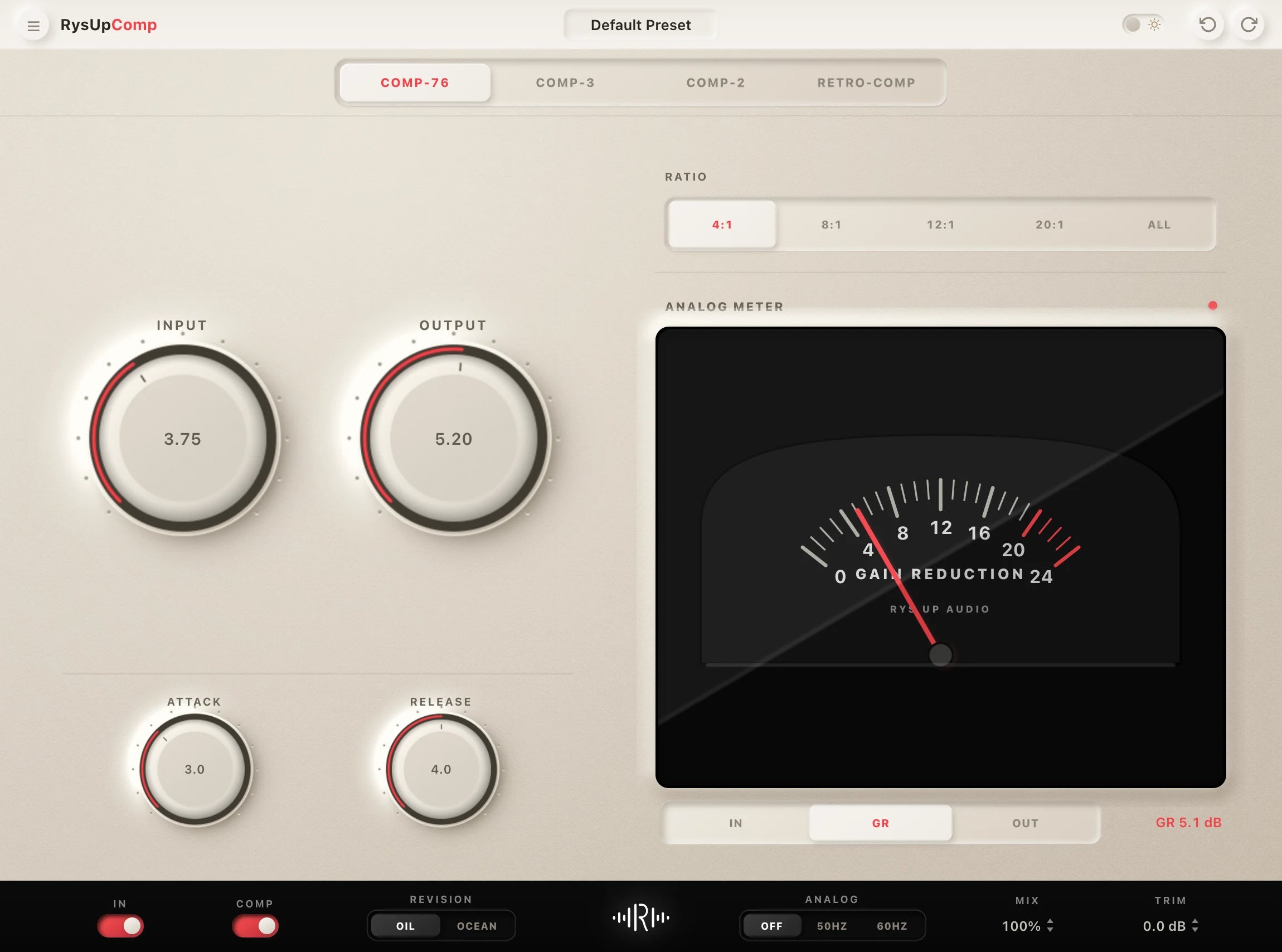
If you want to upgrade your vocal chain, every plugin in the RysUp collection is built specifically for vocal production — modern codebase, weekly updates, no iLok, and a fraction of the cost of legacy software.

Separated the vocal?
Finish the chain
Stem separation gives you an isolated vocal. A Rys Up preset gives you an editable DAW ready starting chain for shaping the tone, dynamics, and space around that vocal.
From clean stems to a finished vocal
Turn the separated vocal into a complete mixing chain
Stem separation gives you a clean vocal file. The vocal preset collection gives you editable starting chains for EQ, compression, space, tone, and vocal layers across the major DAWs.
Access conditions and documentation checked September 7, 2026: LALAL.AI plans, UVR, Moises, BandLab Splitter, MVSEP plans, and Fadr. No new comparative audio test was performed for this correction.