By Jordan Rys · March 24, 2026 · 10 min read

Your vocals are recorded. Your beat is fire. But the mix sounds flat, harsh, or just... off. Nine times out of ten, it's not your gear — it's one of these seven vocal mixing mistakes that nearly every beginner (and a lot of intermediates) makes. I've made all of them. Here's how to fix each one, fast.
Mistake #1: Over-EQing with Surgical Cuts That Remove Character
EQ is the most misused tool in vocal mixing. Beginners hear a slightly harsh vocal and start slashing frequencies — pulling out -6dB at 3kHz, cutting -8dB at 200Hz — until the vocal sounds thin and lifeless. The problem isn't the frequencies themselves; it's the severity of the cuts.
What actually works: use a high-pass filter starting around 80–100Hz to kill low rumble, make a gentle low-mid cut of -2 to -3dB around 250–400Hz to reduce muddiness, and if the vocal has harshness, use a narrow cut (Q of 3–5) of no more than -2.5dB around 2–4kHz. Everything else should be additive — small boosts to add air at 10–16kHz, presence at 5kHz, or warmth at 100–120Hz.
The goal is to shape, not amputate. If you're cutting more than -4dB anywhere on a vocal, you're probably going too far.

Quick Fix: EQ Settings That Actually Work
| Frequency | Move | Why |
|---|---|---|
| Below 80Hz | High-pass cut | Kill mic rumble and room noise |
| 250–400Hz | -2 to -3dB (Q: 1.5) | Reduce boxiness/muddiness |
| 2–4kHz | -1.5 to -2.5dB (Q: 3–5) if harsh | Tame harshness without killing presence |
| 10–16kHz | +1.5 to +2.5dB (shelf) | Add air and shimmer |
Tools like RysUpEQ give you transparent EQ with a frequency analyzer so you can see exactly what you're cutting instead of guessing.
Mistake #2: Compressing the Life Out of the Vocal
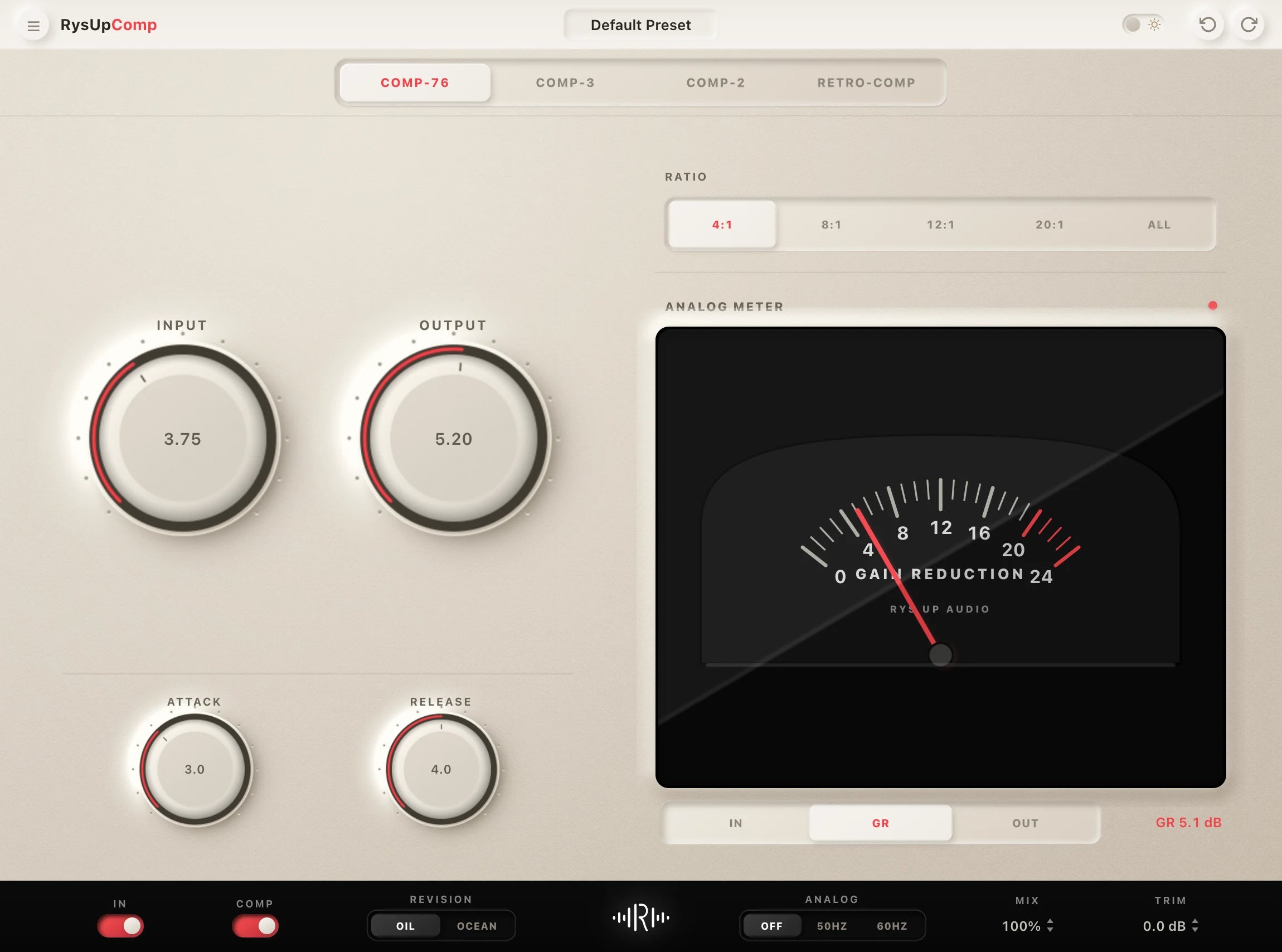
Compression is the second most abused plugin in vocal mixing. Beginners see a loud vocal dynamic and crank the ratio to 10:1 with a fast attack — the vocal ends up squashed, pumping, and completely unnatural. Heavy-handed compression kills the emotion in a vocal performance.
The fix is using two stages of gentle compression instead of one heavy stage. With a compressor that exposes ratio, attack, and release, try 3:1, 10–15ms attack, and 80–120ms release as starting points. Adjust for the phrase and aim initially for 3–4dB of reduction on peaks. Optical models may use fixed or program-dependent timing and ratio, so follow the controls available in your chosen plugin. Then add a second limiter or compressor at the end of your chain to catch any remaining transients.
If you hear unwanted pumping, check the release against the vocal rhythm and reduce excessive gain reduction with the threshold or ratio. Attack can change the front edge of words, but it is not the only cause of pumping. If the vocal sounds flat and lifeless after compression, you're hitting it too hard — back off the ratio or raise the threshold.
Vocal Compression Starting Points
- Ratio: 3:1 to 4:1 for lead vocals (go up to 6:1 max for heavily dynamic recordings)
- Attack: 10–20ms (slow enough to let the transient breathe)
- Release: 80–150ms (follow the groove of the track)
- Gain Reduction: 3–5dB peak (not 10–15dB)
- Makeup Gain: Match the input level to the output level
For more on compression fundamentals, check out our complete vocal compression guide.
Mistake #3: Ignoring De-Essing (Or Over-De-Essing)
Sibilance — those harsh "sss" and "shh" sounds — is the most complained-about vocal issue in modern music production. But beginners usually fall into one of two traps: they ignore it entirely, leaving ear-piercing sibilance in the mix, or they over-de-ess and make the vocal sound lispy and unnatural. A good de-esser should be transparent — you shouldn't notice it working until you bypass it.
Set your de-esser's frequency detection around 5–8kHz for most modern vocals (higher for bright female vocals, around 7–9kHz). Use dynamic mode rather than static mode if your plugin supports it, and aim for only 2–4dB of reduction on sibilant peaks. The vocal should still sound natural with the de-esser engaged.

RysUpDS uses dynamic frequency detection to catch sibilance only when it actually spikes, leaving the rest of the vocal untouched. That's how professional de-essers work — not a blanket frequency cut, but a smart, frequency-specific compressor.
Mistake #4: Too Much Reverb (The Classic Bedroom Producer Error)
Nothing says "bedroom producer" faster than a vocal swimming in reverb. It's a crutch — reverb sounds "professional" to untrained ears, so beginners pile it on. The result is a vocal that sounds distant, blurry, and impossible to sit in the mix. Professional vocal reverb is heard more than it's felt.
The fix: use pre-delay. Set a pre-delay of 20–30ms on your reverb to create separation between the dry vocal and the reverb tail. This keeps the vocal upfront and present while still giving it space. Then cut the low end of your reverb (high-pass around 200–300Hz) so it doesn't cloud the low-mids of the mix.
Reverb Settings for Modern Vocals
| Setting | Trap/Hip-Hop | R&B/Pop | Indie/Alt |
|---|---|---|---|
| Pre-Delay | 30–50ms | 20–30ms | 10–20ms |
| Decay / RT60 | 1.0–1.5s | 1.5–2.5s | 2.0–3.5s |
| Wet Mix | 10–15% | 15–25% | 20–35% |
| High-Pass on Reverb | 300Hz | 250Hz | 200Hz |
Always use reverb on a send/return track, not directly on the vocal — this lets you EQ the reverb independently without affecting the dry signal. Check out our vocal chain order guide to see exactly where reverb fits in a pro signal flow.
Mistake #5: Skipping Pitch Correction When It's Needed
Some producers think pitch correction is "cheating." It's not — it's a mixing tool, just like EQ or compression. Leaving a slightly pitchy vocal in the mix doesn't make you more authentic; it just makes the song sound unprofessional.
The key is using pitch correction transparently. In Melodyne or a pitch plugin, correct only the notes that are genuinely off — don't quantize every note to perfect pitch, because natural pitch variation is what gives a vocal its humanity. Keep vibrato and micro-pitch movement intact. The goal is to fix mistakes, not to create a robot.
For subtle pitch correction on hip-hop and R&B, use a slower correction speed and listen for preserved slides and vibrato. A 400–700ms value is only a plugin-dependent starting point if its control supports that range; correction-speed scales are not interchangeable. For the pitch correction effect (Travis Scott, Future, Playboi Carti style), try a fast 0–10ms retune setting where supported and select the song's actual key and scale. Do not force a minor scale onto a song that uses another scale. For a deep dive on this, read our complete Auto-Tune tutorial.
Mistake #6: Not Using Parallel Processing on Vocals
Parallel processing is one of the biggest secrets separating bedroom producers from professional mixers. Instead of running all your processing directly on the vocal, you run some of it on a parallel send at a lower level and blend it in with the dry signal. This adds thickness, punch, and presence without squashing the life out of the performance.
The most common parallel technique is parallel compression (also called New York compression). Send your vocal to a parallel bus, hit it with heavy compression (ratio 8:1 or higher, fast attack, moderate release), and blend that crushed signal in underneath the main vocal at about 20–30% level. You'll hear the vocal thicken and get more consistent without losing dynamics.
You can do the same with saturation — send the vocal to a parallel saturation bus with a tube or tape saturation plugin, dial in a subtle amount, and blend it in. This adds harmonic warmth and makes the vocal gel with the instrumental. Browse our vocal mixing plugins to find the right tools for parallel processing.
Mistake #7: Mixing Without Referencing Against Pro Tracks
This is the easiest fix on this list and the one most beginners skip. After you've done your vocal mix, compare it directly to a professional reference track in the same genre. Play both tracks through the same speakers or headphones at matched loudness levels (match levels using a loudness meter — -14 LUFS integrated is a good target for streaming).
Listen for: how upfront is the vocal in the reference? How much reverb and delay does it have? Is the low-mid region of the vocal cleaner than yours? Does the reference vocal cut through the instrumental better?
Reference tracks tell you exactly where your mix is falling short. Use them ruthlessly. If your vocal sounds distant and the reference vocal is upfront, you have too much reverb or not enough presence boost at 3–5kHz. If the reference vocal sounds warmer, add some saturation or a gentle low-shelf boost at 120Hz.
Putting It All Together: A Clean Vocal Chain Order
Fixing each mistake individually isn't enough — the order you apply your processing matters too. Here's the signal chain that professional engineers use for lead vocals:
- High-pass filter / EQ (subtractive) — Remove mud, rumble, and problematic resonances first
- Pitch correction — Fix pitch before you start shaping dynamics
- Compression (first stage) — Gentle 3:1 compression to control dynamics
- De-esser — After compression, sibilance is more predictable
- EQ (additive) — Add presence, air, and character
- Saturation — Add harmonic warmth
- Compression (second stage / limiter) — Catch remaining peaks
- Reverb & Delay (on sends) — Space and dimension last
A 60 second vocal chain check before you export
- Bypass and loudness match the chain.
- Confirm the song key before pitch correction.
- Keep most corrective EQ moves under 3 dB.
- Aim for 3 to 5 dB peak compression without pumping.
- Make sure the de esser only moves on sibilants.
- Filter reverb and delay returns, then check the words at low volume.
- Compare one matched loudness reference.
If the checklist shows that you need a cleaner starting chain, open a ready made vocal starting point and adjust it to the recording instead of stacking more correction on a broken setup.
If you want a shortcut to this entire chain, vocal presets load a professionally calibrated signal chain into your DAW with one click — all 8 stages already configured for specific artists and genres. It's how producers working on tight deadlines get pro results fast. Visit our plugin installer hub to get all the tools you need set up in minutes.
The Bottom Line
These seven mistakes aren't beginner problems — they're easy-to-fix technical habits that most producers never get corrected feedback on. Over-EQing, over-compressing, drowning vocals in reverb, skipping pitch correction, ignoring parallel processing, and not referencing — fix these, and your vocals will immediately sound more professional.
The gear doesn't matter nearly as much as the technique. Most of these fixes cost nothing — they're just settings. And for the plugin side, RysUp's vocal mixing plugins give you everything from transparent EQ to smart de-essing to lush reverb at a fraction of what FabFilter and Waves charge for the same functionality.
Have a specific vocal mixing problem? Head to our contact page and we'll point you in the right direction.
Pair Your Vocals With RysUp Plugins
If you want to upgrade your vocal chain, every plugin in the RysUp collection is built specifically for vocal production — modern codebase, weekly updates, no iLok, and a fraction of the cost of legacy software.