
Formant shifting in FL Studio is not one button in one window. You can edit a rendered sample, change selected notes in NewTone, or run a live effect on a Mixer track. Pick the route that matches the sound you need, then keep pitch and formant separate until you decide whether the note should move too.
Quick answer: use the Time Stretch / Pitch Shift tool for a sample you plan to render, NewTone for note-by-note edits, and Pitch Shifter on a Mixer channel for a real-time effect. If you want a dedicated VST3 with independent Pitch and Formant controls, RysUpShift works in FL Studio.
Disclosure: Rys Up Audio makes RysUpShift. The native FL Studio methods below work without it. Host details and product facts were checked October 2, 2026.
Choose the FL Studio route by the job
Time Stretch / Pitch Shift tool
NewTone Advanced Edit
Pitch Shifter on a Mixer channel
RysUpShift VST3
Pitch changes the note. Formant changes the vocal's perceived character. Make one move at a time so you know what changed.
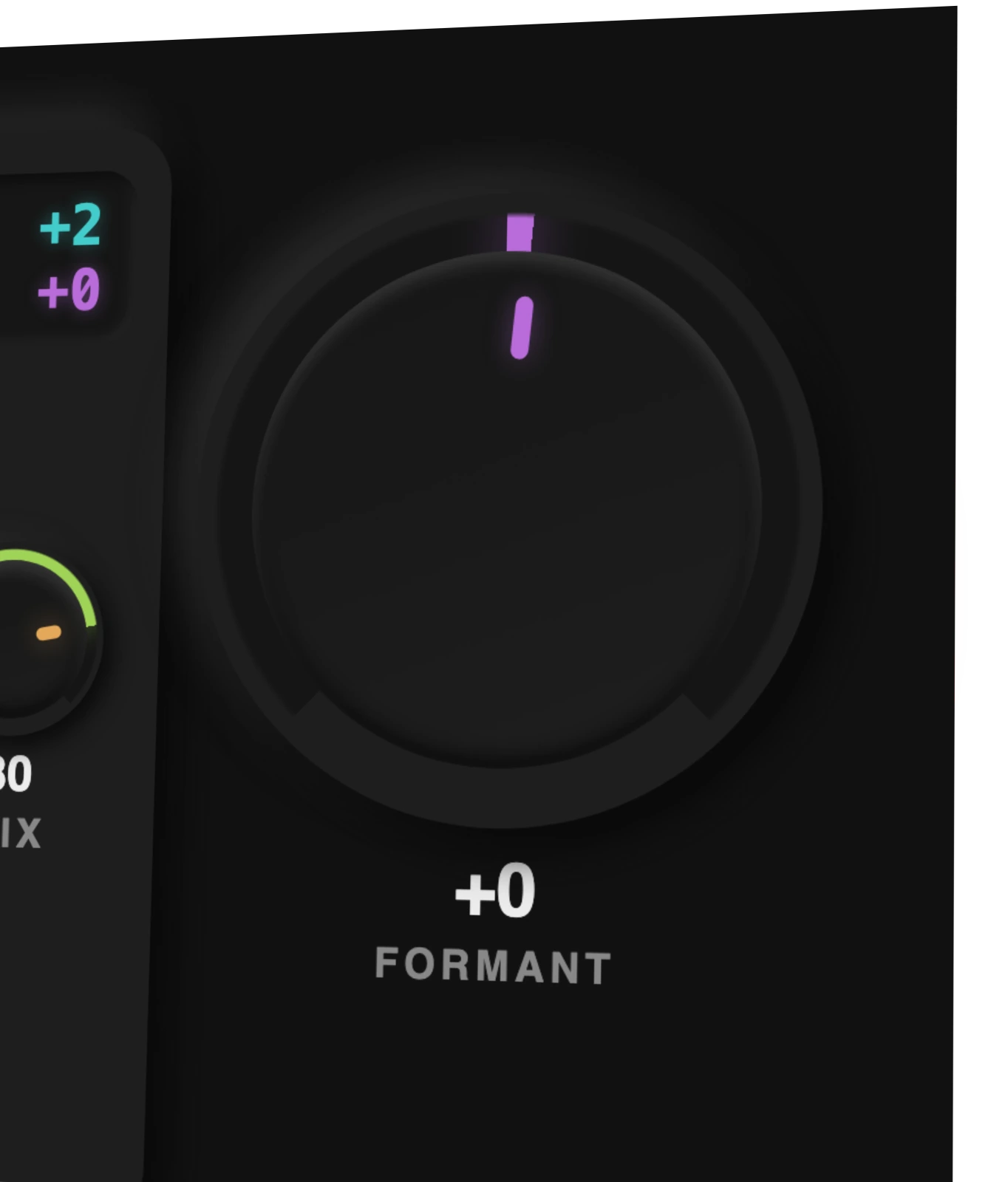
Formant is voice character, not the note
Pitch is the note you hear. Formants are resonances shaped by the vocal tract that help a voice sound larger, smaller, brighter, or darker. Moving the formant control can change the character of a vocal without moving its note. Move pitch while keeping formant stable and the note changes while more of the vocal's character stays intact.
FL Studio's tools use the word Formant for related but different workflows. NewTone exposes note-level edits, its Time Stretch / Pitch Shift tool includes formant-preservation controls for rendered audio, and Pitch Shifter pairs Pitch and Formant on an X/Y control. Choose the route before reaching for a setting. The controls do not all solve the same task.
If the note itself is wrong and the voice should stay in the same register, start with this vocal pitch-correction workflow instead of changing the formant.
Use the Time Stretch / Pitch Shift tool for a sample
Use this route when one vocal sample or phrase needs a rendered pitch or formant change. Keep the original take available for comparison before editing a copy.
- Open the vocal in FL Studio's Audio Editor or the relevant sample editor.
- Open the Time Stretch / Pitch Shift tool from the Time Tool button, press Alt+T inside the editor, or use Tools, then Time, then Time stretch / Pitch shift.
- Select a method that suits the source. Image-Line describes e3 Mono as a mode specialized for monophonic material such as vocals, and notes that some methods disable or adjust formant options.
- Change only the value you need. Keep duration fixed if the phrase already fits the song.
- Audition consonants and word endings, then render or insert the edited audio only after it works in the full mix.
This is a sample-editing path. It will not behave like a real-time Mixer effect that changes incoming audio while the song plays.
Use NewTone for note-by-note formant edits
NewTone is useful when one note or syllable needs a different character from the rest of the line. Load the recorded vocal into NewTone and use the detected note display to find the phrase you want to adjust. Global pitch controls and individual note edits are different jobs; formant editing is in the more detailed Advanced Edit workflow.
- Double-click the note you want to edit to enter Advanced Edit mode.
- Use the Formant control for that note. The official manual describes dragging the Formant handle vertically in Advanced Edit mode.
- Compare the edited note with the notes around it. A small local change often sounds more believable than reshaping the entire phrase.
- Leave neighboring notes alone unless the transition between them also needs repair.
NewTone is an editor, so use it for recorded material you want to inspect and adjust. If the effect must run live in the Mixer, choose Pitch Shifter or a dedicated plugin instead.
Use Pitch Shifter for a real-time Mixer effect
FL Studio Pitch Shifter is the native real-time route. Add it as an effect on the vocal's Mixer channel. Choose the Voice engine for a clearly pitched, single vocal line. Image-Line says that mode can behave unpredictably if it cannot lock onto a steady pitch.
The X/Y panel pairs pitch on the vertical axis with formant on the horizontal axis. Keep the pitch coordinate neutral when you want to change vocal character without moving the note. Use the X/Y control for smooth movement; the pitch slider steps through semitones. Start small, level-match the bypass, and listen with the beat.
If the result glitches, start with a dry vocal and move Pitch Shifter before reverb, delay, or chorus. FL Studio's manual notes that time-based effects can interfere with pitch detection. If the line has no clear fundamental or several notes at once, try a different route rather than forcing the Voice engine.
Use RysUpShift when you want dedicated controls
RysUpShift is the dedicated VST3 route when you want pitch and formant on independent controls without using NewTone's note editor or a rendered sample tool. Install it through RysUpHub, rescan plugins in FL Studio if needed, then load it as an effect on the vocal Mixer track.
Make one move at a time: leave pitch at zero while you audition a formant shift, then reset Formant before testing a pitch change. RysUpShift supports up to one octave in either pitch direction with full formant independence. Keep the original take or a bypassed copy so the change stays easy to compare.
Keep pitch and formant moves separate
Before processing, ask one question: do you want a new note, a different voice character, or both?
- New note, same character: move pitch and preserve or leave formant unchanged.
- Same note, different character: keep pitch fixed and move formant.
- A combined effect: adjust both in small steps, then compare with each control restored to neutral.
This avoids a common mistake: pushing pitch and formant together because a vocal sounds too high or thin, then ending up with a voice that is both in the wrong register and the wrong size.
A/B the change without changing the performance
Use a short phrase with a clear vowel and a consonant at either end. Keep the beat playing, match the processed level to the dry take, and switch between them at the same timeline position. If the processed version only wins because it is louder, reduce its output before you judge the tone.
Check the vocal in mono, then in stereo. Listen for a metallic edge, unstable pitch detection, smeared consonants, or a sudden change in apparent distance. If those show up, reduce the amount, try a different method, or choose a less exposed syllable. Formant shifting is a character tool; every word does not need it.
Fix common FL Studio formant problems
- The control is missing or dim: some sample-editor methods disable or adjust formant options. Choose a method that supports the control before forcing a value.
- Pitch Shifter glitches: move it before reverb and delay, use a dry source, and try Voice mode only for a clearly pitched single vocal.
- The vocal sounds like the wrong person: make a smaller formant move and preserve the original pitch if timbre is the only goal.
- Every note changes together: use NewTone when the job is one note or syllable, rather than a full-phrase or real-time move.
- The render is hard to undo: keep the source clip and use a duplicate for a sample-editor pass.
Choose the route by the result
| Need | FL Studio route | What changes |
|---|---|---|
| Change a sample phrase | Time Stretch / Pitch Shift tool | A rendered audio sample |
| Shape individual notes | NewTone Advanced Edit | Selected note properties |
| Hear a live effect | Pitch Shifter on a Mixer channel | Real-time character change |
| Keep two plugin controls independent | RysUpShift VST3 | Pitch and formant separately |
How this fits with the wider formant workflow
This guide is the FL Studio tool map. For the broader principle of changing perceived vocal size without moving the note, read the general formant-shifting workflow. If you are deciding between an online tool and a DAW session, use the browser-versus-plugin guide.
RysUpShift product details
RysUpShift is $49.99 to own outright and includes independent pitch and formant control. The RysUpSuite includes the current paid plugin catalog from $9.99 per month on annual billing. See the full Rys Up plugin lineup or install through RysUpHub.
Official sources and checked product details
- FL Studio Manual: Time Stretch / Pitch Shift Tool, checked October 2, 2026.
- FL Studio Manual: NewTone, checked October 2, 2026.
- FL Studio Manual: Pitch Shifter, checked October 2, 2026.
- FL Studio Manual: Installing and using plugins, checked October 2, 2026.
- RysUpShift official product page, checked October 2, 2026.
Keep the project reversible. Save a copy of the clip, make one formant move, and compare it at the same level before printing a new take.