
Best Vocal Presets for GarageBand 2026
If you have ever hit record in GarageBand, listened back, and thought "why doesn't this sound like the songs on my playlist?" — you are not alone. The gap between a raw recording and a polished track can feel enormous when you are just starting out. The good news? You do not need expensive plugins or years of training to close that gap. A well-built vocal preset can do the heavy lifting for you, and GarageBand is far more capable than most people realize.

In this guide we will cover everything you need to know about GarageBand vocal presets in 2026 — what they are, how to choose the right ones, and how to install them on your Mac. Whether you are recording demos, launching a podcast, or laying down vocals over a beat, this article is for you.
Can GarageBand Actually Produce Professional Vocals?
Yes. GarageBand is available free for compatible Macs, and it supports Apple's built-in effects plus Audio Units on Mac. Apple documents Audio Units as optional plug-ins that can be installed from third-party vendors; do not assume every GarageBand or Logic patch contains the same plug-ins or transfers unchanged.
The difference between an amateur vocal and a professional one usually comes down to how your effects are configured — compression ratios, EQ curves, reverb decay, de-esser thresholds. If you want to learn the theory behind these settings, our guide on how to mix vocals covers the full process. But dialing these in from scratch takes years of practice. A vocal preset is a saved configuration of those settings that you load in one click. Think of it like a recipe written by someone who already knows what they are doing. Use the preset as a starting point, then compare it with the dry vocal at a similar loudness.
What Makes a Good GarageBand Vocal Preset
Not all presets are created equal. Here is what separates a quality preset from a mediocre one:
Stock-Only When Documented
Some GarageBand packs use only the effects included with GarageBand; others depend on Audio Units installed separately. Check the pack’s included requirements before buying or loading it. A stock-only preset should say so explicitly, while any required third-party AU plug-in should be named.
Proper Gain Staging
A well-designed preset manages volume levels through the effects chain so nothing clips or gets buried. Load it up and your vocal sits at a healthy level right away.
Balanced Processing
A good preset includes a thoughtful chain — noise gate, EQ, compression, de-essing, and reverb or delay — with each effect calibrated to work with the others.
Genre-Appropriate Design
A trap vocal preset should sound very different from a folk ballad preset or a podcast preset. Good presets are built with a specific use case in mind.
Room for Adjustment
Every voice is unique. A useful preset gives you editable starting settings, such as the reverb amount and EQ shape. Adjust those settings to your voice, microphone and arrangement.
Raw GarageBand Vocals vs. Preset-Enhanced Vocals
Use this table as a set of processing goals to check in your own recording. The right column is not a measured result or a guarantee for every voice:
| Characteristic | Raw Vocal | Preset-Enhanced Vocal |
|---|---|---|
| Background Noise | Audible hiss, room noise, and hum between phrases | Clean and silent between phrases thanks to a calibrated noise gate |
| Tonal Balance | Muddy low-mids, boxy resonance, dull or harsh highs | Clear, balanced frequency response with controlled lows and present highs |
| Dynamic Range | Loud words jump out; quiet words disappear | Even volume throughout — compression keeps every word audible |
| Sibilance | Harsh, piercing "ess" and "tee" sounds | Smooth and natural, tamed by a de-esser without losing clarity (see our guide to free Soothe 2 alternatives for more options) |
| Presence | Vocal sounds distant, buried, or flat | Vocal sounds upfront, intimate, and polished |
| Depth and Space | Dry and one-dimensional | Professional sense of space from tailored reverb and delay |
| Mix-Readiness | Needs significant post-processing | Sits well in a mix almost immediately |
A raw vocal is a starting ingredient, not a finished product. A preset supplies starting settings; listen for noise, clipping, clarity and balance before deciding the vocal is ready.
Best GarageBand Vocal Presets for Music Production
If you are recording songs, your vocal needs to cut through a dense mix of instruments, drums, and bass. Here is what to look for by genre.
For Rap and Hip-Hop
Rap vocals need to be front and center — tight compression so every word hits hard, presence-boosting EQ to cut through heavy 808s, and just a touch of reverb or delay for dimension. Many of our GarageBand vocal presets are designed specifically for modern rap, with separate settings for leads, doubles, and ad-libs.
For Singing and R&B
Singing benefits from smoother compression that preserves natural dynamics, warmer EQ with a gentle high-frequency shimmer, and more reverb for an emotional, spacious sound.
For Pop
Pop vocals are bright, polished, and very present — moderate compression, clarity-focused EQ in the upper midrange, and clean modern reverb.
The key advantage of a purpose-built preset is skipping the trial-and-error phase so you can focus on writing and performing. Browse our full selection of vocal presets to find the right starting point.
Best GarageBand Vocal Presets for Podcasting
Loading a music preset onto a podcast is one of the most common mistakes new podcasters make. Music presets make a voice sound exciting and colored within a mix. Podcast presets make a voice sound clear, natural, and easy to listen to for an hour straight.
A good podcast vocal preset should:
- Reduce pause noise with a gentle gate when it helps. Noise underneath words needs a different cleanup decision.
- Even out volume with gentle compression so listeners do not have to ride the volume knob.
- Reduce sibilance with a de-esser tuned for speech frequencies.
- Add warmth without color — a subtle low-mid boost and gentle high-frequency roll-off.
- Skip the reverb. Podcast vocals should be bone-dry for maximum clarity.
GarageBand is an excellent podcasting DAW — free, simple, and powerful enough to handle everything you need. Pair it with a solid preset from our GarageBand collection and you have a setup that rivals productions costing thousands.
How to Install Vocal Presets in GarageBand
GarageBand on Mac saves custom patch settings through the Library. Apple's documented workflow is to choose a track patch, adjust Smart Controls or plug-ins, click Save in the Library, and reuse the saved patch. Do not assume a generic .pst copy workflow; follow the exact file format and instructions supplied with the pack.
- Download your preset pack and unzip the file.
- Check the pack instructions for the exact Mac file type and destination. For a patch you create in GarageBand, Apple saves it in the Library's User Patches folder.
- Use the documented import or Library flow for the exact file type supplied; do not rename or copy a file into a guessed folder.
- Open GarageBand, select the matching audio track, and choose the installed patch from the Library. If the download is a project, open its prepared vocal track instead.
- Select your preset and start recording.
For the full walkthrough with screenshots, visit our How to Install Vocal Presets tutorial. Use the Mac GarageBand instructions for Mac patches, and verify the exact plug-in dependencies before opening the project in Logic Pro.
GarageBand vs Logic Pro: When to Upgrade
Stay with GarageBand if you are just getting started, still learning recording basics, or want to keep your setup simple and your budget at zero. With the right presets and a decent microphone, GarageBand can produce professional-sounding content.
Consider Logic Pro if you are feeling limited by GarageBand's interface, need advanced features like Flex Pitch or complex automation, or are collaborating with producers who use Logic. Read our full breakdown of the best vocal presets for Logic Pro to see what becomes possible after the upgrade.
GarageBand and Logic both support Audio Units on Mac, but a saved patch or project can still depend on the exact plug-ins, settings, and file format. Check each pack before moving a workflow between apps. When you are ready to use Logic-specific features, check out our Logic Pro vocal presets.
Free vs Paid GarageBand Vocal Presets
Why pay for presets when free ones exist? Fair question. It comes down to quality, reliability, and results.
Free presets are fine for experimenting, but they come with drawbacks: inconsistent quality, frequent third-party plugin requirements (despite claiming GarageBand compatibility), generic one-size-fits-all processing, and no support when things go wrong. For a curated list of free options, see our guide to the best free vocal presets in 2026 or browse the free vocal preset collection and check each pack's documented dependencies.
Paid presets from Rys Up Audio are a different experience:
- Engineered by a professional. Built by Jordan Rys, a working audio engineer who founded Rys Up Audio in 2015.
- Documented compatibility. Each pack should state whether it uses GarageBand stock effects or additional Audio Units; confirm the requirements for the exact pack you choose.
- Genre-specific options. Curated collections for rap, singing, podcasting, and more.
- Full support. Detailed guides, video walkthroughs, and direct help if you need it.
- Mac workflow continuity. The same Audio Unit may be available in Logic, but verify the saved patch format and every required plug-in before transferring a project.
Pack pricing varies by product, so check the current GarageBand collection before purchase. The useful comparison is the documented workflow, included files, and required plug-ins. Start exploring our GarageBand vocal presets to hear the difference.
Tips for Getting the Most Out of Your Vocal Presets
Even the best preset cannot fix a bad recording. Give your presets the best raw material possible:
- Record in a quiet space. Close windows, turn off fans, hang a blanket behind your mic.
- Use a decent microphone. A solid USB condenser in the $50-$150 range makes a big difference over your MacBook's built-in mic.
- Set input levels correctly. Aim for peaks around -12 dB to -6 dB. Clipping distortion cannot be fixed by any preset.
- Keep consistent mic distance. Six to eight inches from the microphone, staying relatively still.
- Trust the preset, then fine-tune. Make small adjustments — a dB here, a dB there. If big changes are needed, try a different preset instead.
FAQ: GarageBand Vocal Presets
Do GarageBand vocal presets work on iPad?
This guide covers GarageBand on Mac. Do not assume a Mac Audio Unit or saved-patch workflow is available in GarageBand for iPad; verify iPad support for the exact product separately.
Do I need third-party plugins to use these presets?
Check the exact pack requirements. Stock-only packs need no extra plug-ins; packs that use Audio Units require those compatible AU plug-ins installed on your Mac.
Will GarageBand presets work in Logic Pro X?
Both apps support Audio Units on Mac, but do not assume a GarageBand saved patch or file loads directly into Logic unchanged. Verify the exact patch format and required plug-ins before transferring. For presets that leverage Logic's expanded features, check out our Logic Pro vocal preset collection.
Can I adjust the preset after loading it?
Absolutely. Our presets are professional starting points, not permanent settings. Every voice is different, and we encourage small adjustments — tweaking reverb, nudging EQ, adjusting the compression threshold to match your voice and recording environment.
How do I install vocal presets in GarageBand?
Download the pack and follow its exact Mac instructions. For custom patches created in GarageBand, use the Library and User Patches flow Apple documents; do not copy a guessed .pst file. Visit our How to Install Vocal Presets tutorial for the step-by-step guide.
Are these presets good for beginners?
They are specifically designed with beginners in mind. Load the preset and adjust it against the dry vocal before recording the full take. As you learn more about mixing, you can start tweaking individual effects to develop your own sound. Presets are one of the fastest ways for beginners to bridge the gap between amateur and professional recordings.
What is included in a Rys Up Audio GarageBand preset pack?
Each pack should list the exact files, supported Mac workflow, required plug-ins, and included documentation. Pricing varies by pack, so check the current GarageBand collection before purchase.
Start Making Your Vocals Sound Professional Today
GarageBand is one of the most underrated tools in music production and podcasting. It is free, it is powerful, and with the right vocal presets, it produces results that rival setups costing hundreds or thousands of dollars. Whether you are a singer, rapper, or podcaster, a quality preset removes the guesswork and lets you focus on creating.
At Rys Up Audio, we have been building presets for producers and creators since 2015. Each pack should state its exact GarageBand files and plug-in requirements, so you can confirm the workflow before loading it. Explore our GarageBand vocal presets to find the right fit for your next project.
Browse all vocal presets at Rys Up Audio — covering every DAW, every genre, and every artist style.
Your voice deserves to be heard the way you hear it in your head. A great preset gets you there. And if you want to expand your toolkit even further, check out the best free vocal plugins available in 2026. If you're looking for another free DAW option alongside GarageBand, our guide to the best vocal presets for BandLab covers everything you need to know about getting professional vocals in a browser-based DAW.
Pair Your Vocals With RysUp Plugins
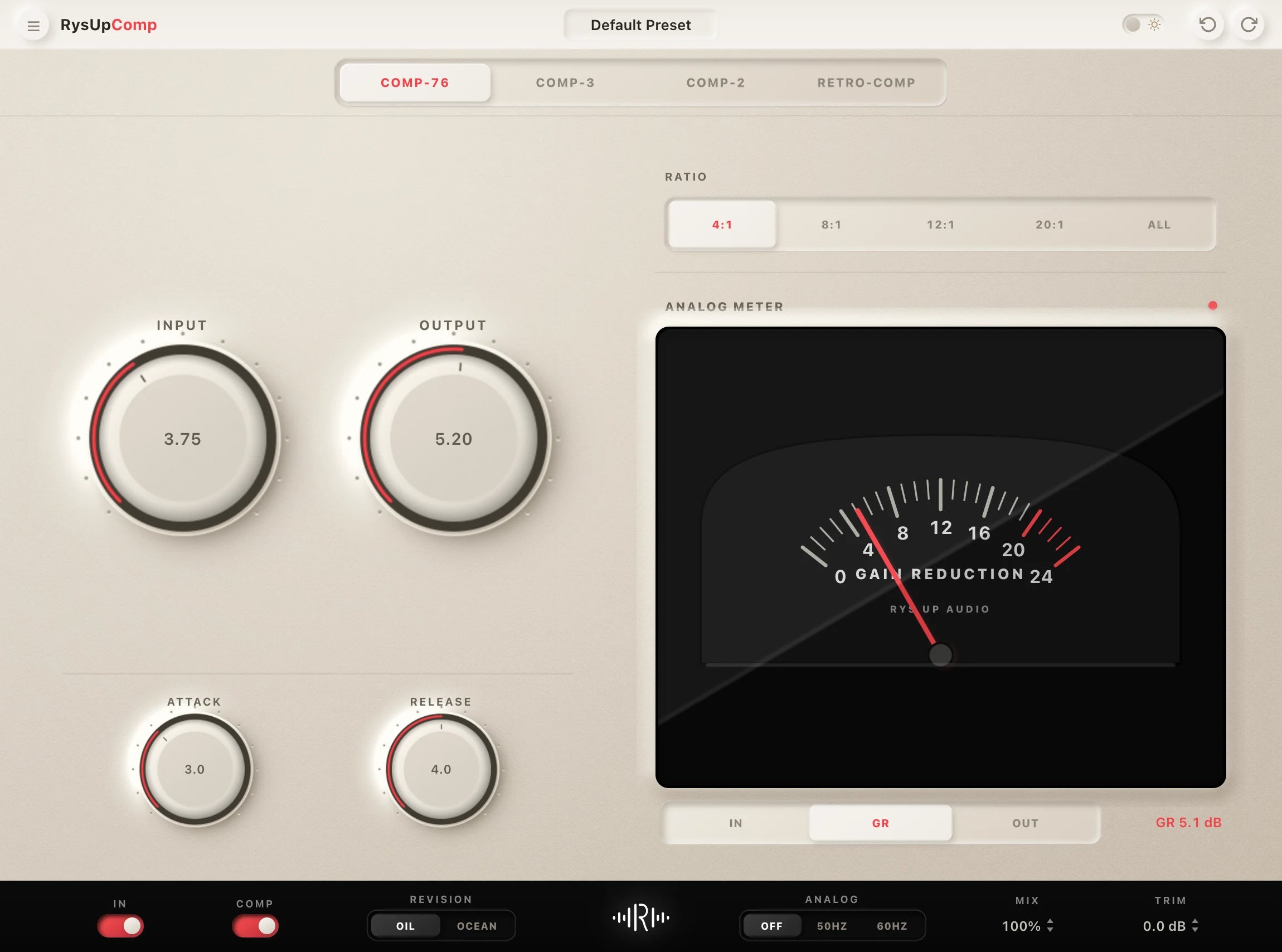
If you want to upgrade your vocal chain, every plugin in the RysUp collection is built specifically for vocal production — modern codebase, weekly updates, no iLok, and a fraction of the cost of legacy software.

Moving from GarageBand to Logic Pro
Compare complete Logic Pro channel strip presets
Use this GarageBand guide for the beginner workflow. If you are moving the session into Logic Pro, open the Logic vocal preset collection for stock channel strips built around the expanded mixer and routing tools.