
BandLab went from a free side-project DAW to one of the fastest-growing music platforms on the planet in 2025–2026. It runs in any browser, costs nothing, and ships with surprisingly capable stock effects. The catch most new producers hit is the same one we hear constantly in our support inbox: "How do I actually load a vocal preset in BandLab?"

For a wider host decision, compare free capture, full DAWs, comping, and studio handoff first.
This is the complete 2026 setup guide. By the end, you'll know (1) how the BandLab effects chain format works, (2) where to install a preset, (3) the best ready-made BandLab vocal presets you can drop in today, and (4) the exact recording chain we'd build from scratch if we had to start over.
How BandLab vocal presets actually work
BandLab doesn't use the same .adg / .cst / .ptxt format as Ableton, Logic, or Pro Tools. Instead, BandLab effects chains are stored as a small JSON file that describes which effects are loaded on a track and what their parameter values are. When you save a chain on a vocal track, BandLab generates that JSON internally; when you import a chain, it reads the JSON and reconstructs the effects rack.
That means a "BandLab vocal preset" is really an effects-chain JSON file built around BandLab's stock effects: EQ, Compressor, De-Esser, Reverb, Delay, Pitch Correction, Saturator, and the Vocal Doubler. There is no third-party VST install required — BandLab does not currently support external plugins, so a great preset is built entirely from BandLab's native chain.
Step-by-step: install a BandLab vocal preset (browser version)
- Open BandLab in a Chrome / Edge / Safari browser and create or open a song.
- Add a vocal track (or select an existing one).
- Click the Effects button on the track to open the effects chain panel.
- Click the three-dot menu in the top right of the effects panel → Import Chain.
- Choose the .json file from your downloads folder.
- The full chain — EQ, compression, reverb, de-esser — loads with all parameters dialed in. Hit play.
That's it. No install, no third-party plugins, no host-DAW jumping. Total setup time: under 60 seconds the first time.
Step-by-step: install on the BandLab mobile app
- Save the .json preset to your phone's Files / Downloads.
- Open the BandLab app, open your project, and tap the vocal track.
- Tap Effects → Edit chain → Import.
- Pick the .json file and tap Import.
Best BandLab vocal presets you can buy today
Not every preset shop bothers to repackage their chains for BandLab — the JSON format is fiddly and the audience felt small until 2025. We invested in a dedicated BandLab pipeline because BandLab is now the #1 DAW for new producers in dozens of international markets.
- BandLab Vocal Preset Bundle — Our flagship BandLab pack. Includes hip-hop, pop, R&B, and trap variations. Engineered around BandLab's stock chain so nothing extra is required.
- Iced Out Bundle (15 Rap Presets) — All 15 chains ported to BandLab JSON format. Best value for new rap producers.
- Drake Vocal Preset — Available in the BandLab format.
- Lil Baby Vocal Preset — Modern Atlanta trap chain in BandLab JSON.
- The Weeknd Vocal Preset — Glassy, dark, R&B-leaning chain.
- Free Vocal Preset — A free starting point so you can verify the install workflow before paying.

The chain we'd build from scratch (free, in BandLab stock effects)
If you don't want to buy a preset and you're stuck staring at an empty effects panel, here is the chain order we'd start with on a modern vocal recording. Adjust each effect's settings to your specific recording and test the chain in your mix.
If you want to learn the wider BandLab workflow before choosing a preset, the free BandLab Creator Training Hub from Jack Righteous walks through recording, editing, mixing and finishing a song. Come back to this setup guide when you are ready to build an editable vocal chain.
- High-Pass Filter / EQ — Cut everything below 90 Hz to remove rumble and proximity boom.
- De-Esser — Tame harsh "S" and "T" sounds before any compression. Threshold around 6–8 kHz.
- Compressor (slow attack, fast release) — Smooth out the dynamics so quiet phrases match loud ones. 3:1 ratio, 4–6 dB gain reduction is the sweet spot.
- EQ (subtractive cuts first) — Pull 200–400 Hz mud, gentle dip around 1.5 kHz harshness if needed, then a small 10–12 kHz "air" boost.
- Saturator (light) — Adds harmonic richness so the vocal feels "present" without needing to be louder.
- Pitch Correction — Light setting (key-locked) for melodic singers; aggressive setting for trap-style vocals that want the audible pitch correction effect.
- Plate Reverb (low mix, ~10–15%) — A short plate (1.2–1.6s) keeps the vocal forward without sounding dry.
- Delay (¼ note, low feedback, low mix) — Adds movement on hooks. Mute on verses if it gets in the way.
Build that, save the chain, and you have your own custom BandLab vocal preset for free.
Why BandLab is suddenly worth taking seriously in 2026
Three things changed: (1) BandLab's stock plugin DSP got a huge quality upgrade in late 2025, (2) the platform crossed 100 million users, and (3) a wave of charting Latin, Afrobeats, and Indian hip-hop producers have been recording entire songs in BandLab. If you're a new producer working on a Chromebook, an iPad, or any laptop without a DAW license, BandLab is genuinely the fastest path from "raw recording" to "polished radio-ready vocal" in 2026.
FAQ
Are BandLab presets free? Some are (see our free preset); the professional bundles are paid. Either way, the underlying BandLab effects are 100% free — you're paying for the engineered settings.
Do BandLab presets work on the desktop app and the browser? Yes. The JSON chain format is the same on both.
Can I edit a preset after I install it? Yes — every BandLab effect parameter is editable after the chain loads. Save your tweaked version as a new chain.
Will BandLab presets work in FL Studio / Logic / Ableton? No. The BandLab JSON format is not compatible with other DAWs. Buy the matching DAW version on the product page.
What is the best BandLab vocal preset for rap? The Iced Out 15-pack covers nearly every modern rap style. For a single chain, the Lil Baby preset is the most versatile.
What is the best BandLab vocal preset for singing? The The Weeknd preset for moody R&B; the Ariana Grande preset for bright pop.
Full BandLab catalog: BandLab Vocal Presets. Looking for a different DAW? See Best Vocal Presets 2026: Ranked by DAW.
Pair Your Vocals With RysUp Plugins
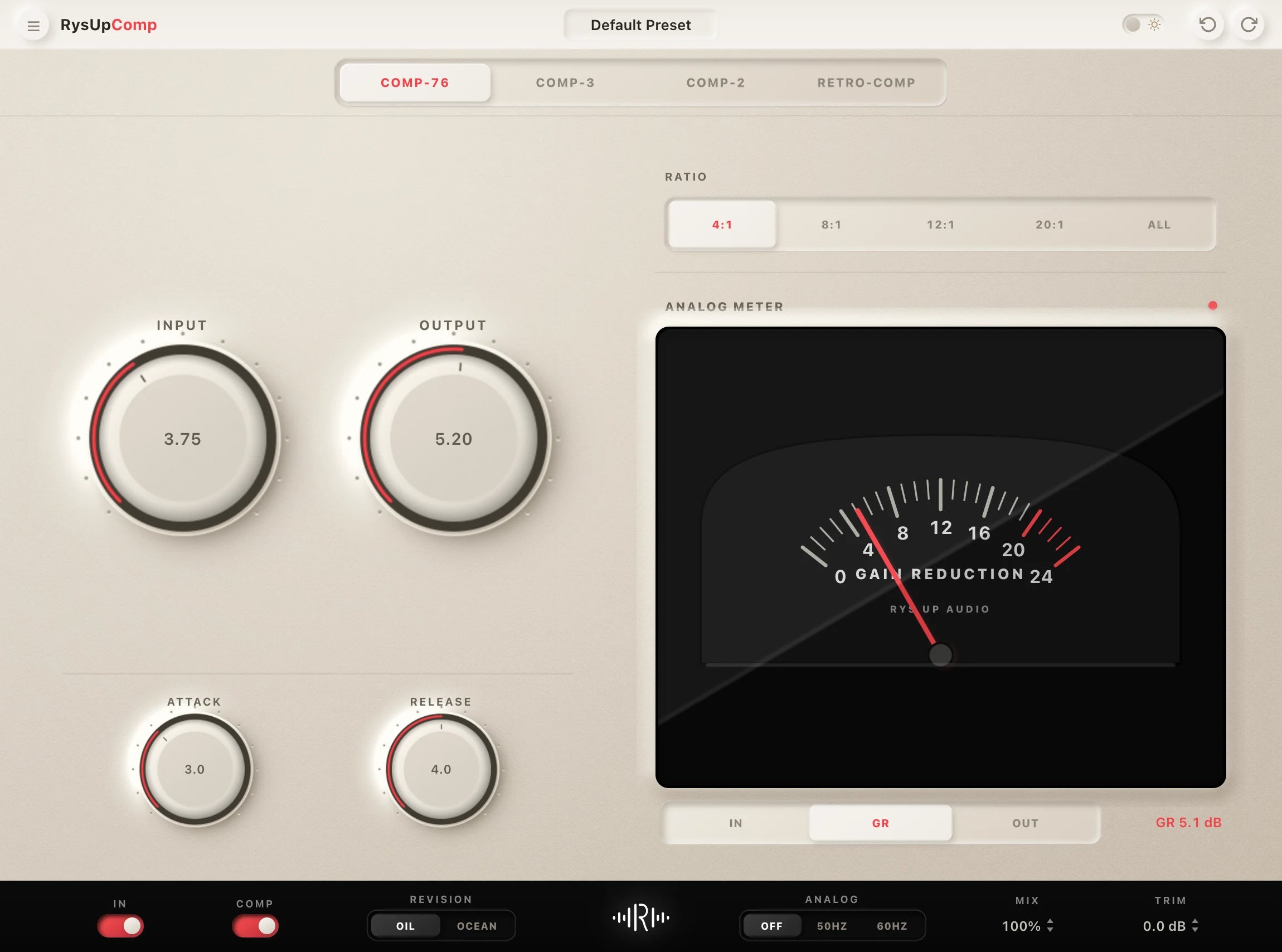
If you want to upgrade your vocal chain, every plugin in the RysUp collection is built specifically for vocal production — modern codebase, weekly updates, no iLok, and a fraction of the cost of legacy software.

Setup guide or full collection
Learn the BandLab workflow, then compare every preset
Use this guide for browser and mobile setup. Open the dedicated BandLab vocal preset collection when you want the current catalog, compatibility details, sound options, and checkout in one place.
Setup guide or complete BandLab collection
Finish the setup, then compare every BandLab vocal preset
Use this guide for the browser and mobile setup steps. Open the dedicated collection when you want to compare the current BandLab-ready preset catalog and choose a starting chain for the session.
BandLab preset or custom chain: use this quick check
- Use a preset when speed matters. Load a complete vocal starting point, record while the idea is fresh, then adjust the effects to your voice.
- Build from scratch when the recording is unusual. Start clean when the room, microphone, or performance needs repairs before creative processing.
- Keep the final decision in the full mix. Compare the vocal against the beat on headphones and speakers before adding more EQ, compression, or ambience.
The dedicated BandLab collection keeps browser and mobile compatible vocal chains together so you can compare sounds without switching DAWs.