
If you've ever listened to a chart-topping track and wondered, "How did they get those vocals to sound so crisp?", you're likely hearing the result of a meticulously crafted vocal chain.

But here's the secret: You don't need a $10,000 studio setup or 20 years of engineering experience to get that sound. Enter Vocal Presets.
In this guide, we'll break down exactly what vocal presets are, how they work in your DAW (FL Studio, Logic Pro, Ableton), and why they are the cheat code for modern producers.
What Are Vocal Presets?
A vocal preset is a pre-configured chain of audio effects saved as a single file. Think of it like an Instagram filter, but for your voice.
Instead of manually adding an EQ, then a Compressor, then Reverb, and tweaking hundreds of knobs every single time you record, a preset loads all of these settings instantly.
Why Pro Producers Use Them:
- Speed: Go from "raw recording" to "radio-ready" in one click.
- Consistency: Keep a signature sound across your entire album.
- Learning: Reverse-engineer the storage settings to learn how pros mix.
How to Use Vocal Presets in Your DAW
Using presets is incredibly simple, regardless of which Digital Audio Workstation (DAW) you use.
FL Studio (Patcher & Mixer Tracks)
- Open your Mixer (
F9). - Select the track your vocal is routed to.
- Drag and drop the
.fstfile onto the track. - Boom—your entire effect chain is loaded.
Logic Pro X (Channel Strips)
- Open the Inspector (press
I). - Click "Setting" at the top of the channel strip.
- Navigate to
User Settingsand select your Rys Up Audio preset.
Ableton Live (Audio Effect Racks)
- Drag the
.adgfile directly onto your vocal audio track. - Use the Macro knobs to adjust the "wet/dry" or intensity of the effects.
Stock Plugins vs. VSTs vs. Presets
A common confusion is the difference between plugins and presets.
| Type | Definition | Pros | Cons |
|---|---|---|---|
| VST Plugin | A standalone software tool (e.g., Auto-Tune, FabFilter). | Powerful, standard. | Can be expensive ($100+ each). |
| Stock Plugins | The effects built into your DAW. | Free, CPU efficient. | Detailed mixing knowledge required. |
| Vocal Preset | A saved configuration of plugins. | Instant results, easy to use. | Requires the underlying plugins. |
Pro Tip: The best vocal presets (like ours) use 100% Stock Plugins. This means you don't need to buy expensive 3rd party software to sound professional. We do the heavy lifting using the tools you already own.
Before & After: Hear the Difference
Don't just take our word for it. Listen to how a generic recording transforms into a professional track.
(Check our product pages for demos!)
Ready to Upgrade Your Sound?
Stop wasting hours watching mixing tutorials and start making music. Our presets are designed for genres ranging from Melodic Rap to Hyperpop and R&B.
Shop All Vocal Presets
Get Free Presets
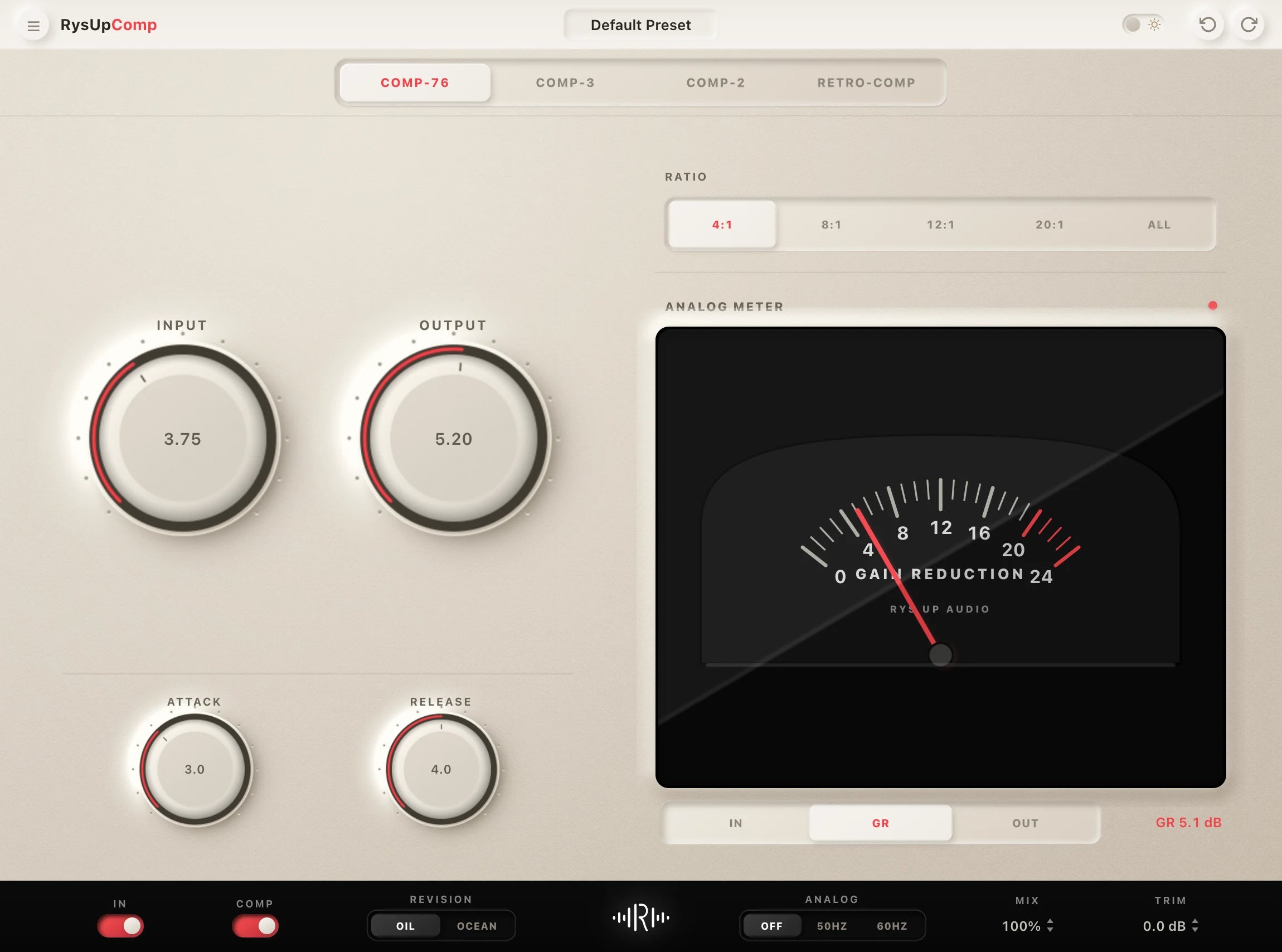
Pair Your Vocals With RysUp Plugins
If you want to upgrade your vocal chain, every plugin in the RysUp collection is built specifically for vocal production — modern codebase, weekly updates, no iLok, and a fraction of the cost of legacy software.

Choose by DAW
Logic Pro users have a dedicated preset collection
Skip format guesswork. The Logic Pro collection keeps compatible Rys Up chains together so you can choose by sound and open the session faster.